
Amazon teams relied on hundreds of internal wiki pages for project communication, but creating and maintaining them took hours each week. I partnered with a tech writer who led the project, while I led the design of Wikif.ai, an AI-powered tool that turned wiki management from a chore into a workflow. This was early in gen AI's adoption when comfort with prompting varied widely across users.
Business Goal
Create a tool that simplified wiki management so teams could focus on project work.
UI/UX • GenAI
Proof of Concept (POC)
The tech writer and I started by asking people about the problems they ran into when creating or updating wiki pages, and documenting what we heard.
Design Goal
Design an intuitive end-to-end workflow covering page creation, editing, and ongoing maintenance
Make AI-assisted content creation accessible regardless of a user's technical background
Pain Points Summary
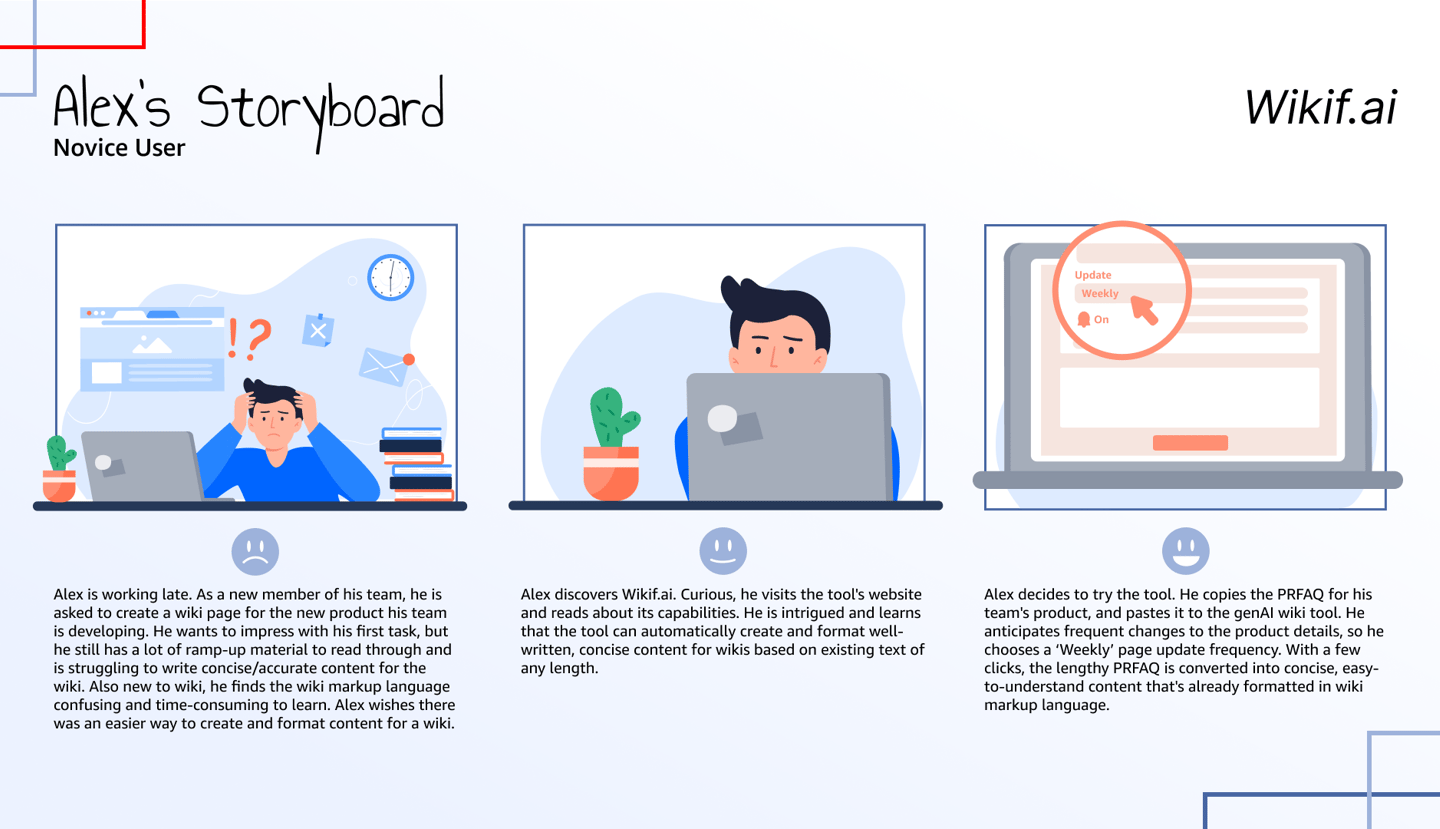
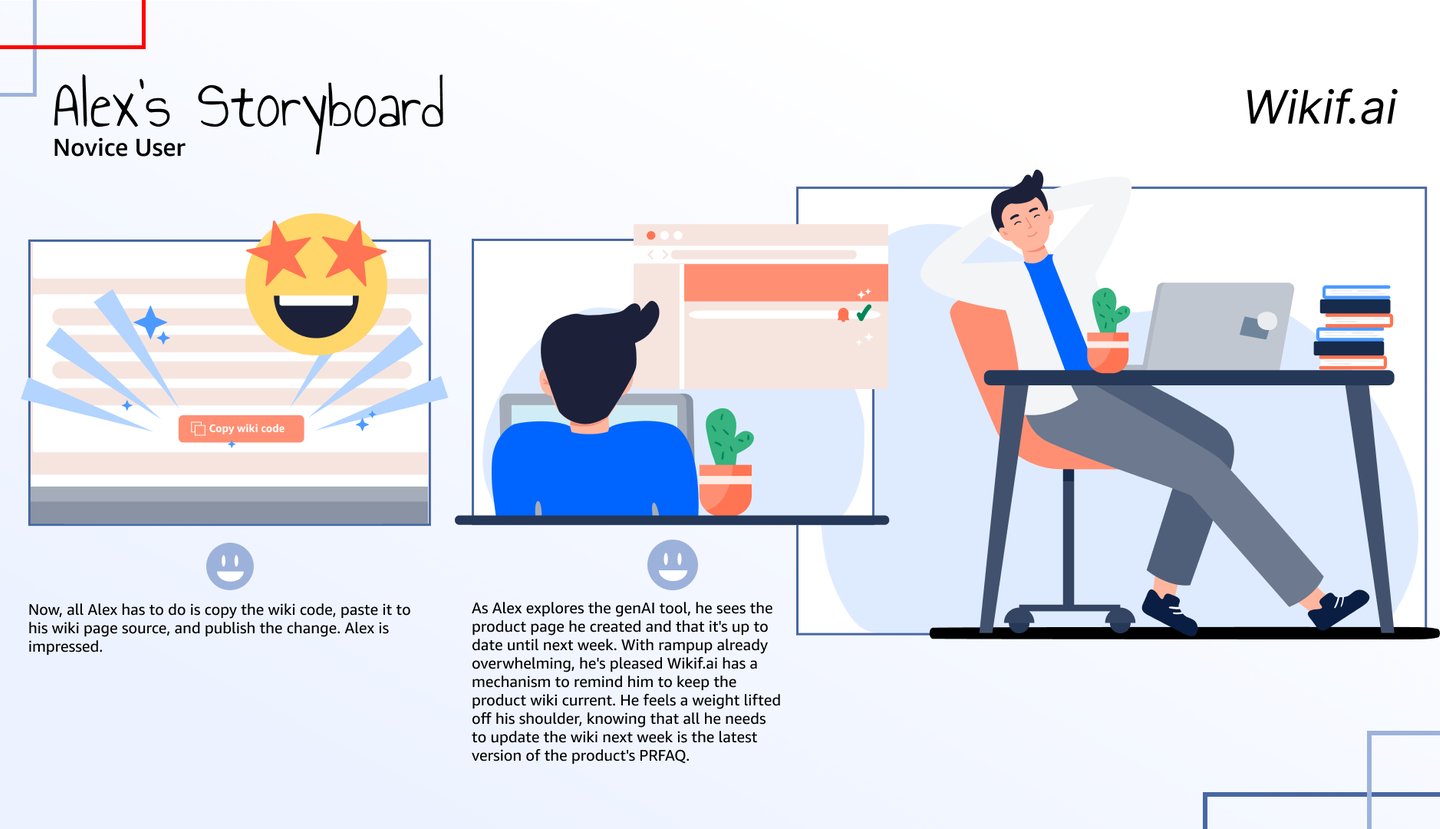
With positive feedback from testing, the next step was building support across teams. I created a storyboard showing how Wikif.ai could free up time in a team's week, helping people see the value beyond a single page.
Lengthy documents had to be rewritten and consolidated for web consumption
Wiki syntax was difficult to use
Custom components had to be coded manually
New page creation took up to 4 hours per page
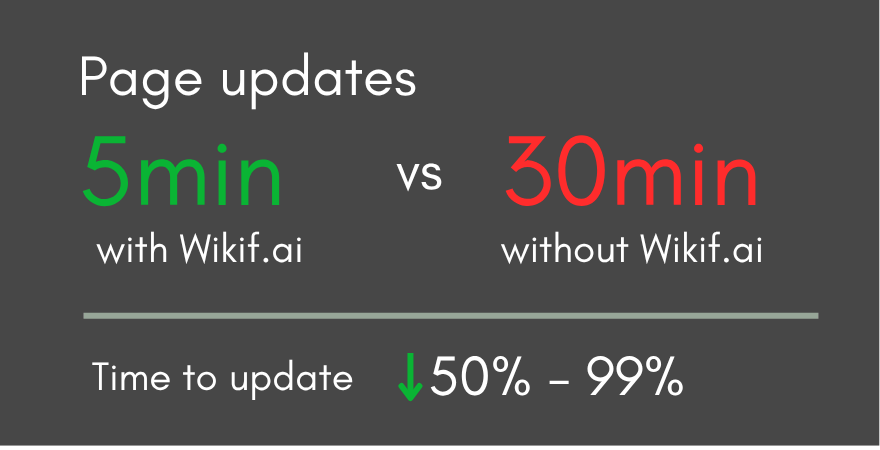
Maintaining and updating existing pages took up to 8 hours per week
Potential Solutions
Create reusable templates for new pages, removing the need for custom components or wiki syntax
Use gen AI to rewrite long documents for the web
Open question: How could gen AI help with updates and page maintenance? This became the central design challenge of the MLP phase.
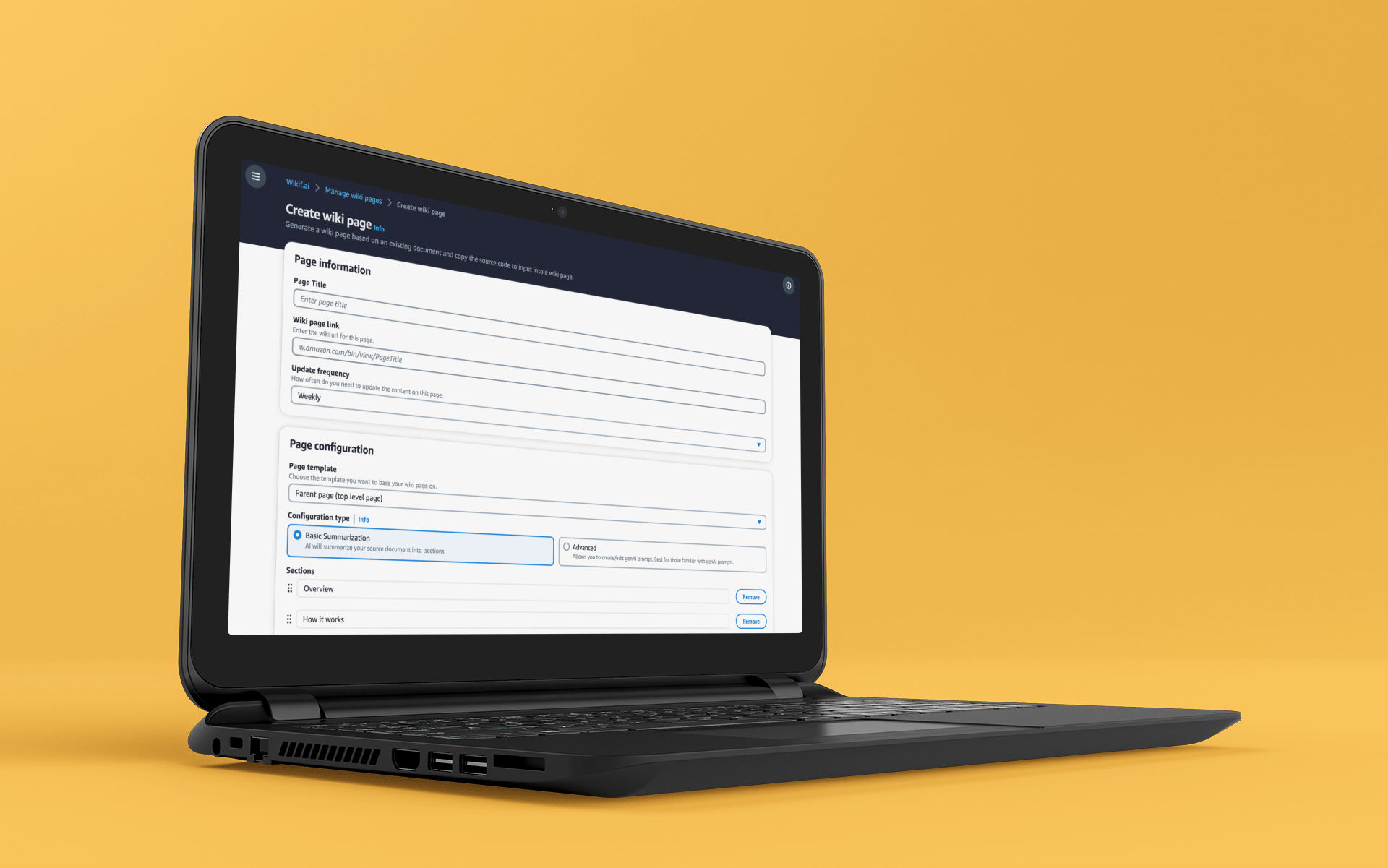
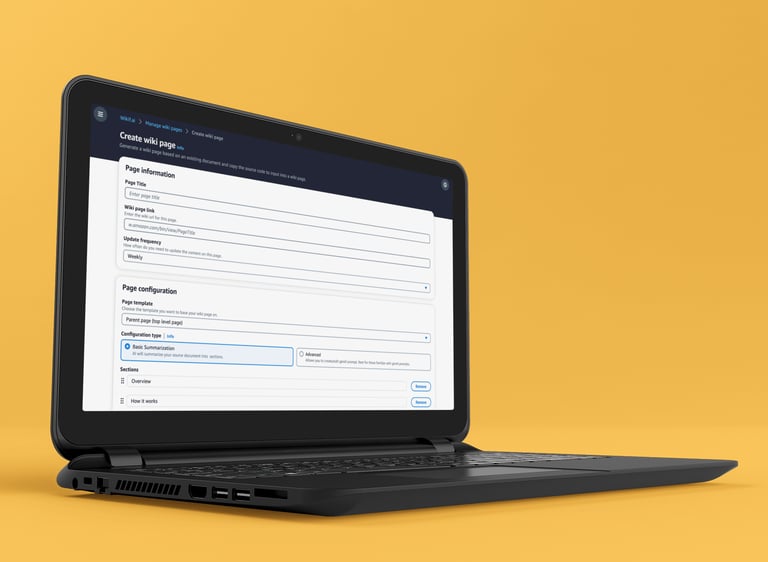
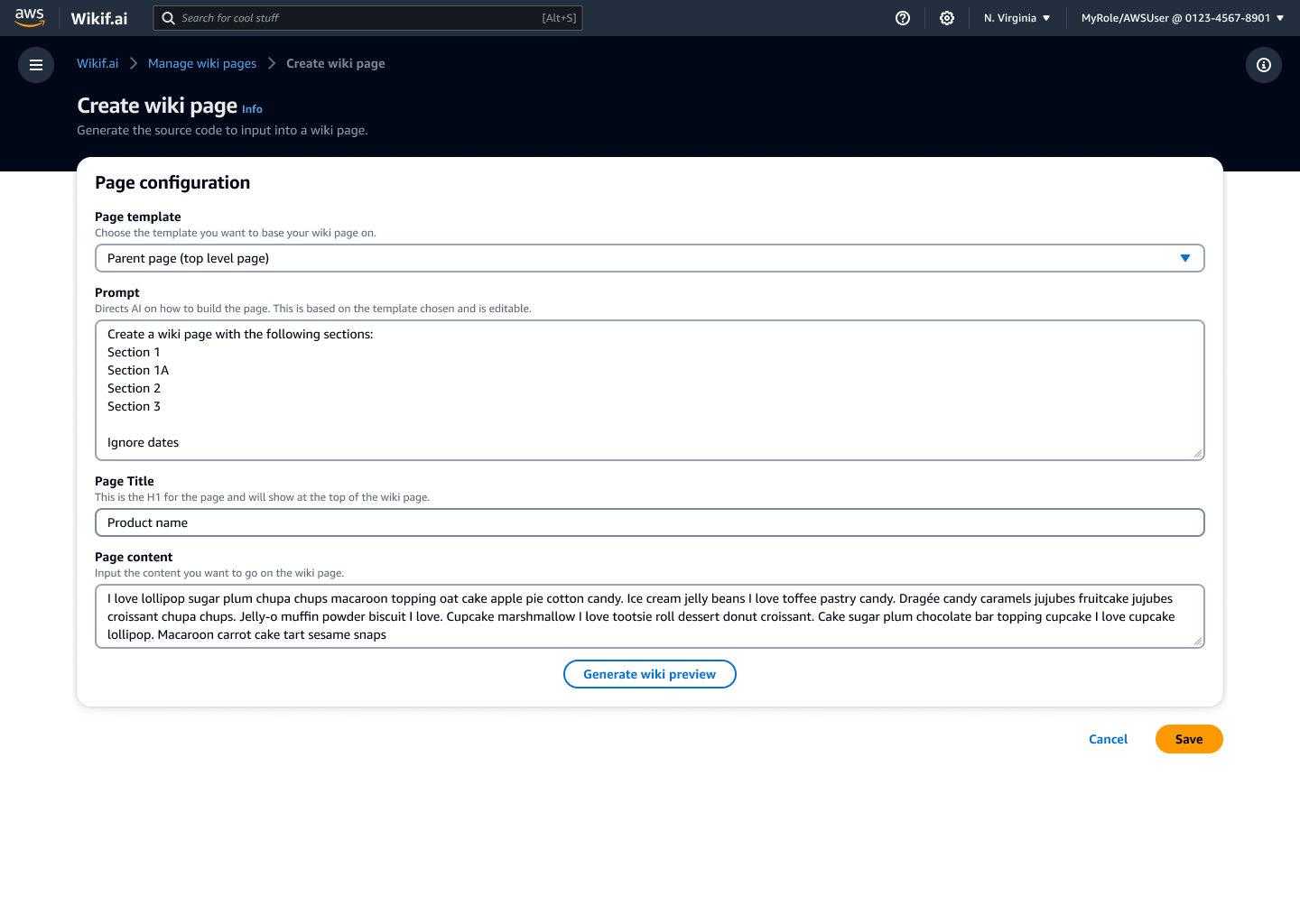
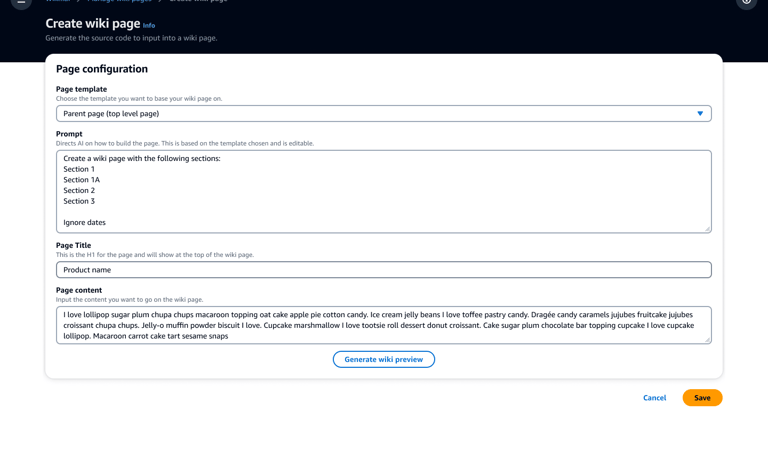
The POC was scoped to single-page creation to validate the core AI interaction with real users and confirm the concept was worth pursuing. It helped people create new wiki pages using gen AI, either through selectable templates or by customizing the prompt.
Usability Testing
To validate and improve the POC, I collaborated with research on a usability test plan and facilitated several of the sessions.
Participants filled out a questionnaire before their session
Each brought a document they wanted to turn into a wiki page
They walked through how they might use Wikif.ai to create it
Sessions were 60 minutes
Insights
Overall impressions were positive, and participants were excited about a tool that could help with this part of their work. Testing also revealed a core tension: users wanted AI to do the heavy lifting, but didn't fully trust it yet. This insight drove the Basic/Advanced mode split in the MLP.
Participants with little gen AI experience struggled with the prompt section, thinking they had to change or fill it out
Some asked about adding wiki syntax to an existing document without having it rewritten
Participants were concerned about the accuracy of generated content. If reviewing and editing took too long, they preferred to write it themselves
Copying code from Wikif.ai and pasting it into a wiki page was frustrating
The POC worked well for creating pages, but most of users' time went to updating them
Iteration: From POC to Minimum Lovable Product (MLP)
As interest grew across the organization, the design was greenlit to move from a POC to a full MLP.
Build out the end-to-end experience: create, update, and maintain
Address insights from testing and POC feedback, including varying comfort with gen AI
Add permission and settings controls
Make page updates a core part of the experience
Blend familiar CMS patterns with gen AI, using a two-column layout centered on an editable preview
Strategy For the MLP
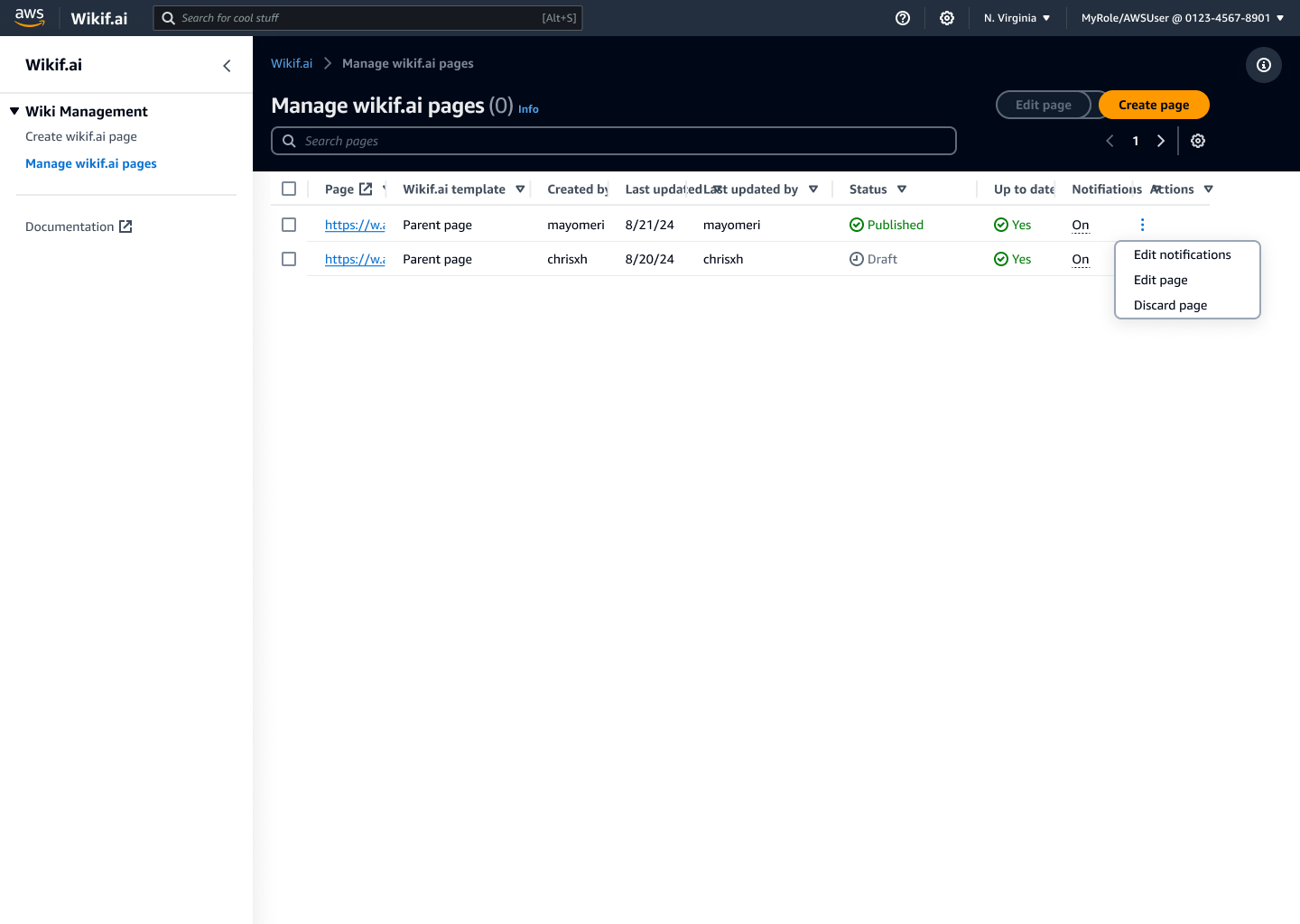
The dashboard was the product's home base, surfacing what teams needed to keep their pages current: status, last updated date, content freshness, and update alerts.
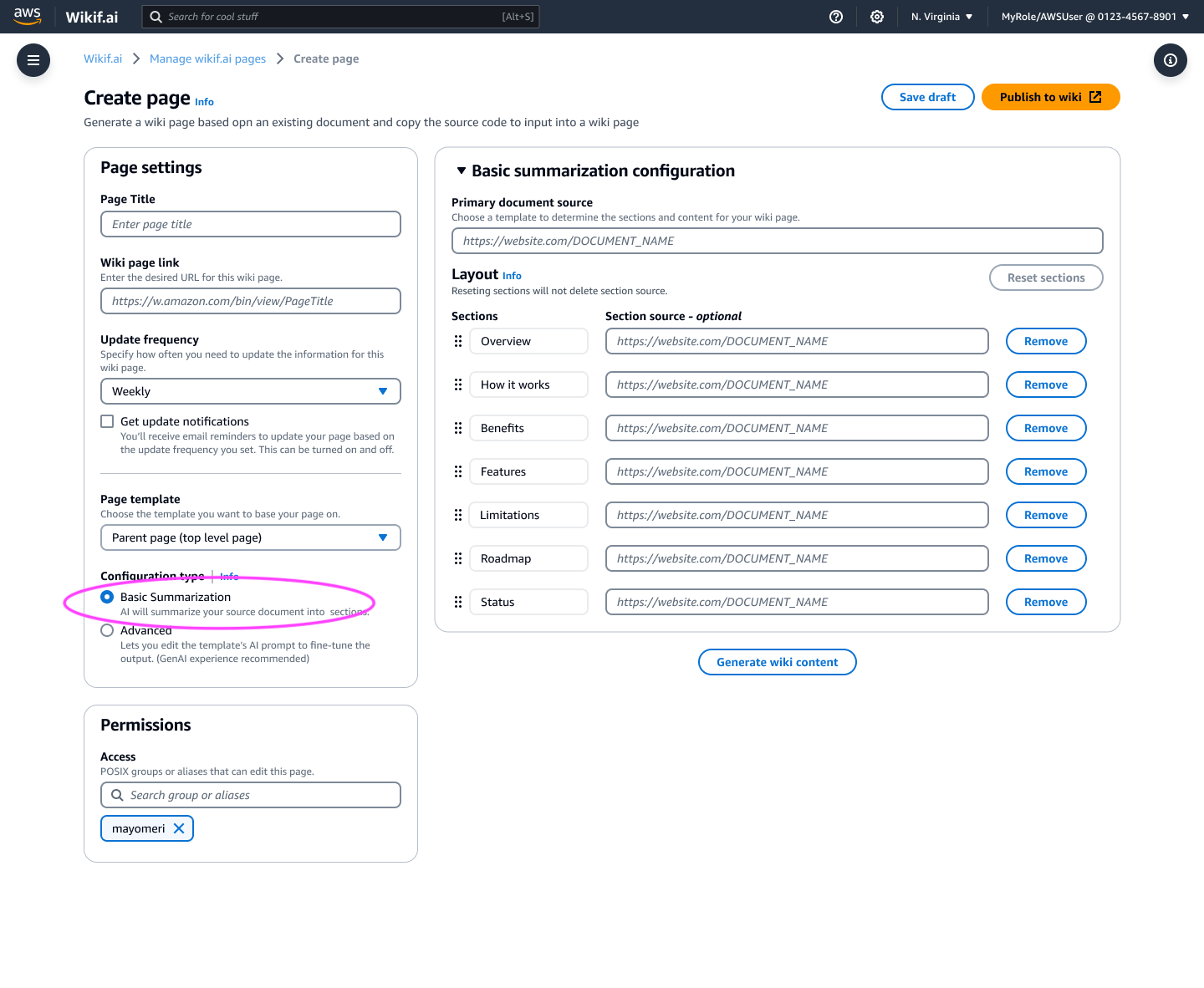
The create page borrowed patterns from content management systems, pairing familiar UI with gen AI capabilities. Customers could choose Basic mode if they were new to AI, or Advanced mode for more control, lowering the learning curve without limiting capability.
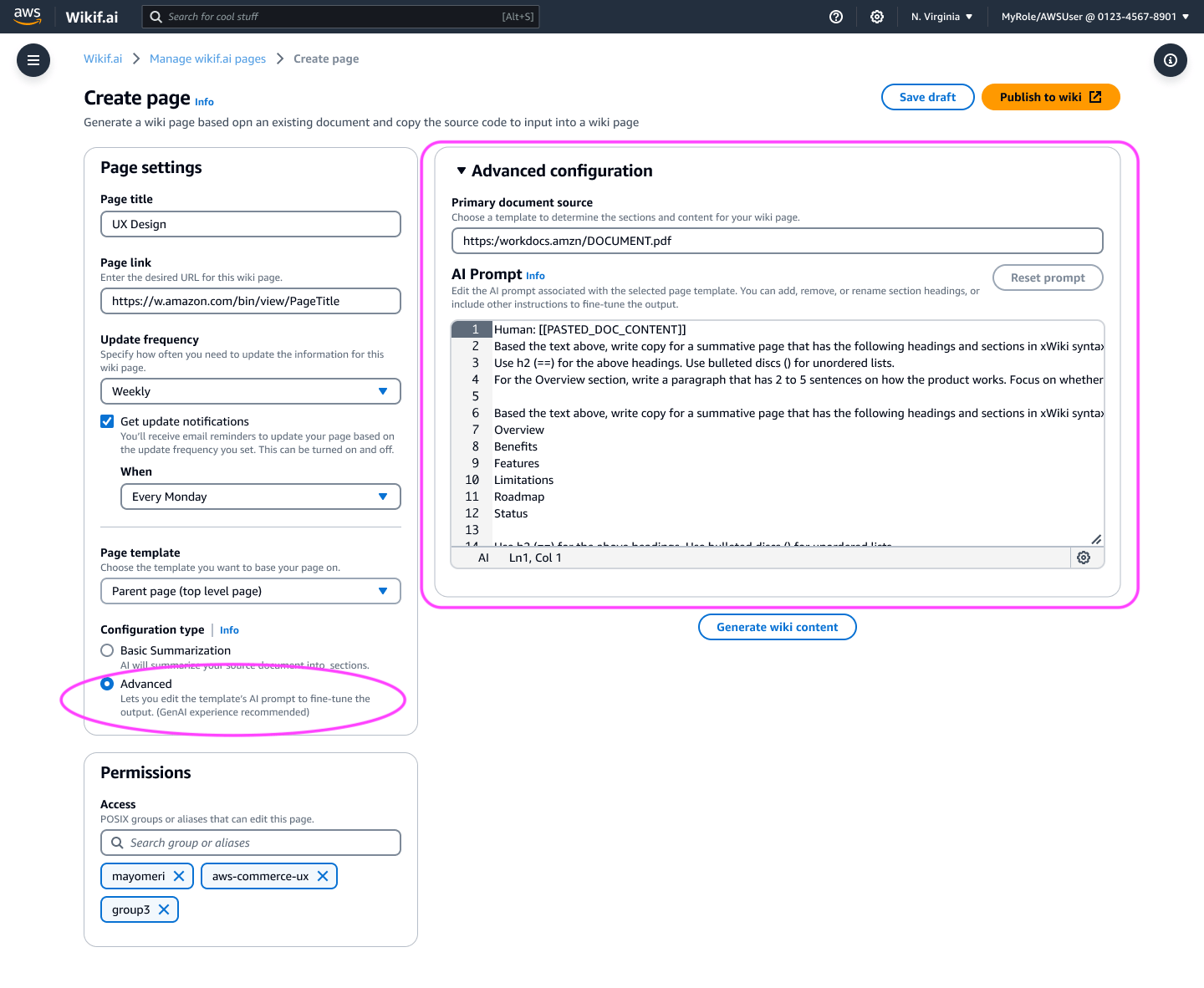
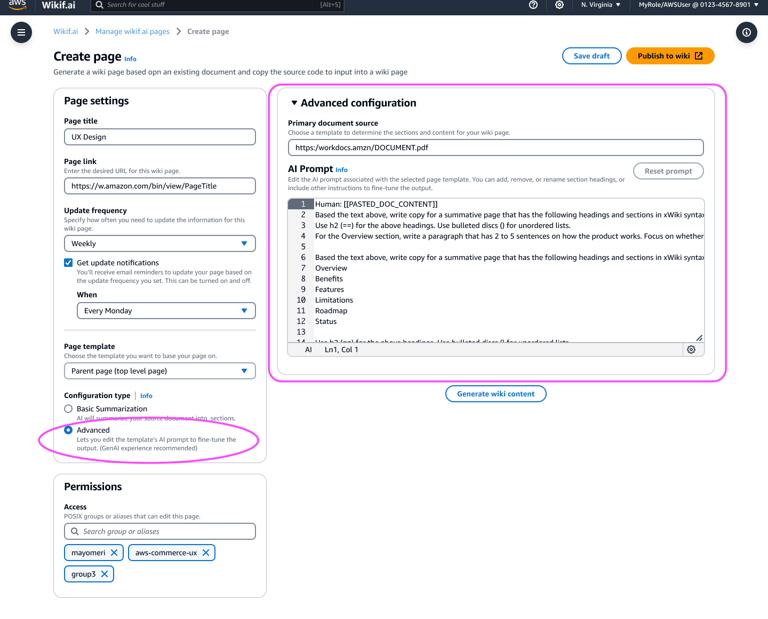
In Advanced mode, customers with AI experience could customize the prompt directly, giving them more control over the generated page.
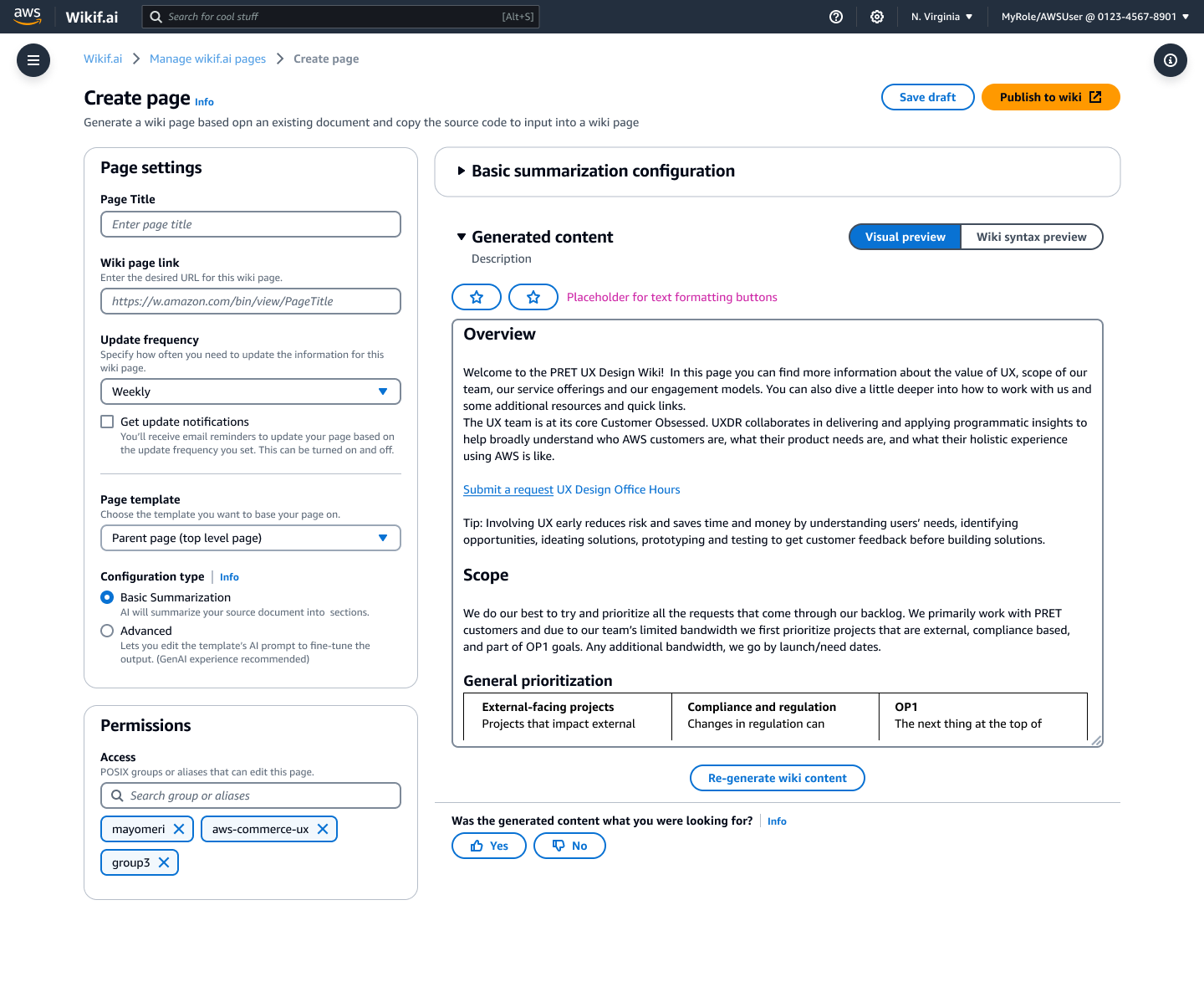
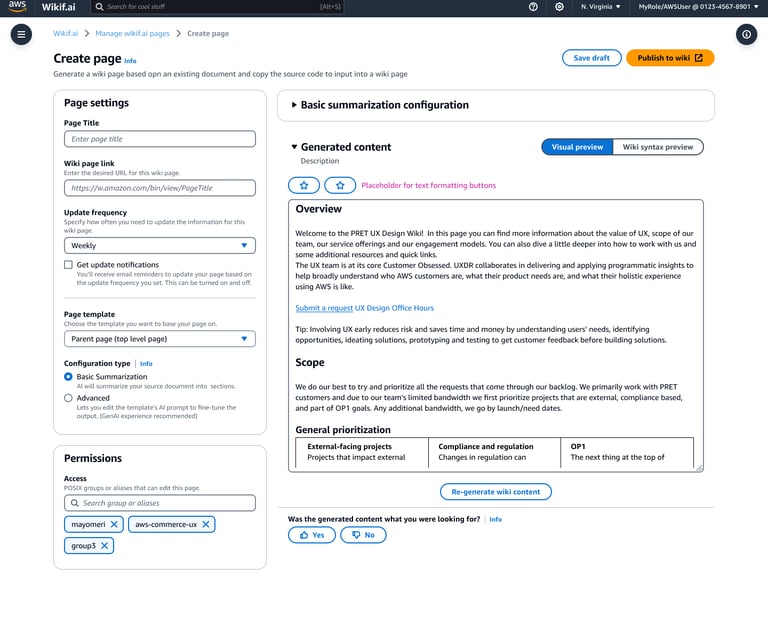
The editable visual preview showed generated content exactly as it would appear on the wiki page, so customers could focus on content without the noise of wiki syntax. Making generated content easy to review and edit in place addressed testers' concerns about accuracy and review time.
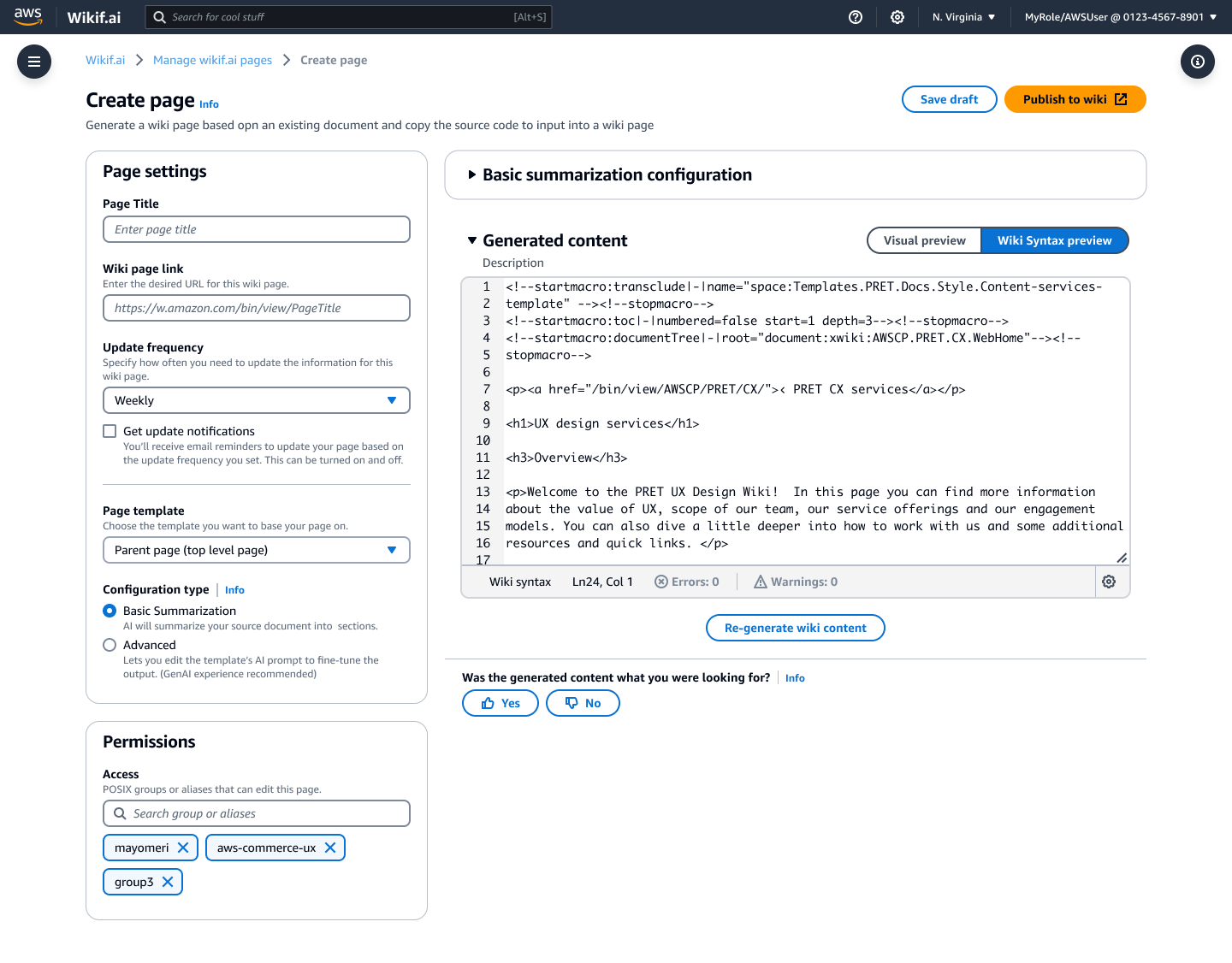
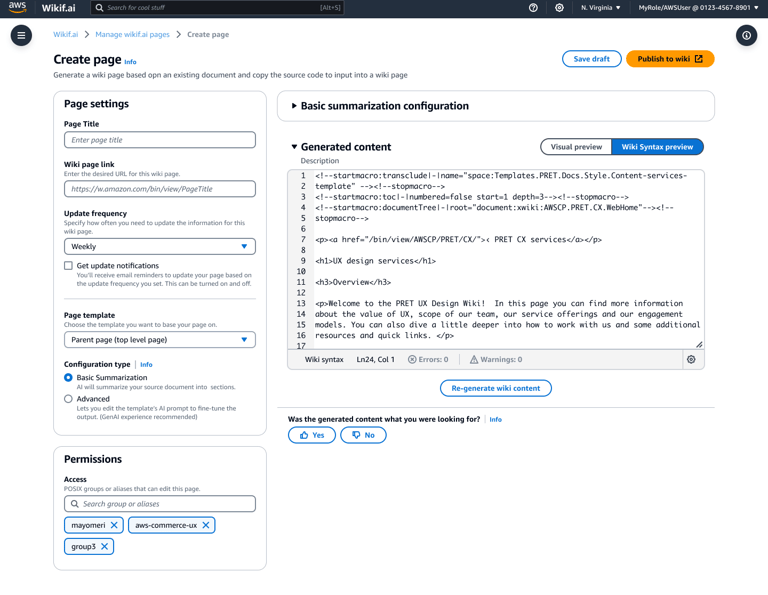
A wiki syntax view let customers see and edit the code behind the page, giving power users more control and flexibility.
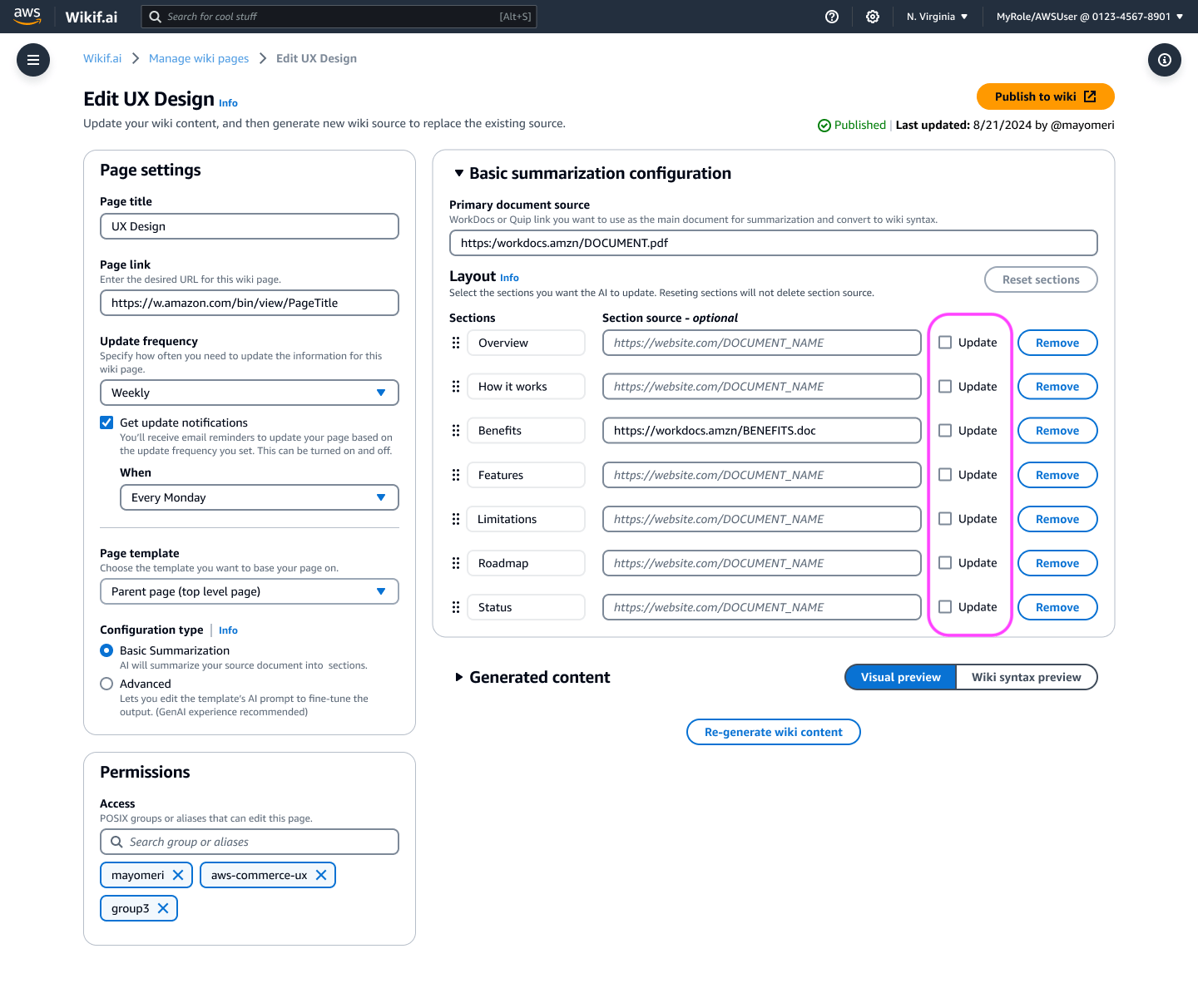
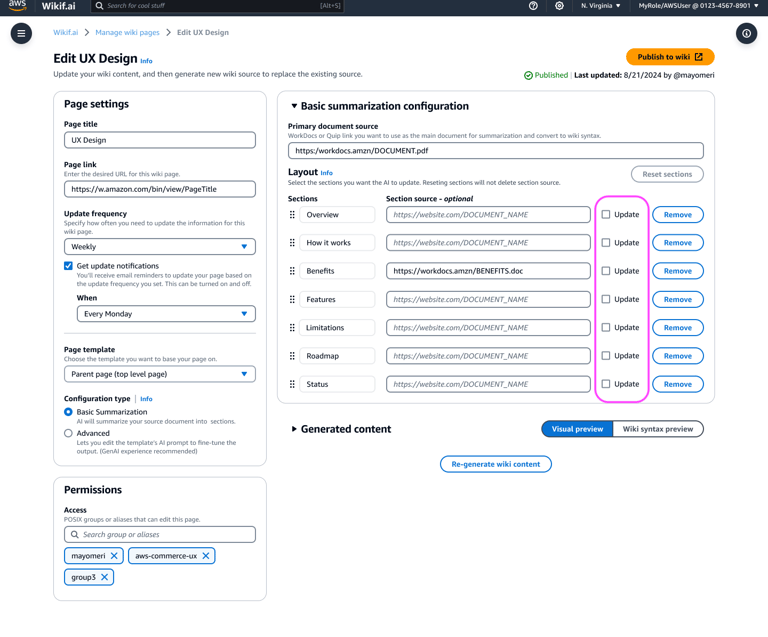
Updating existing pages was one of the most time-consuming pain points. Wikif.ai let customers select specific sections of a page and generate new content just for those sections, instead of reworking the whole page.
Results and Impact
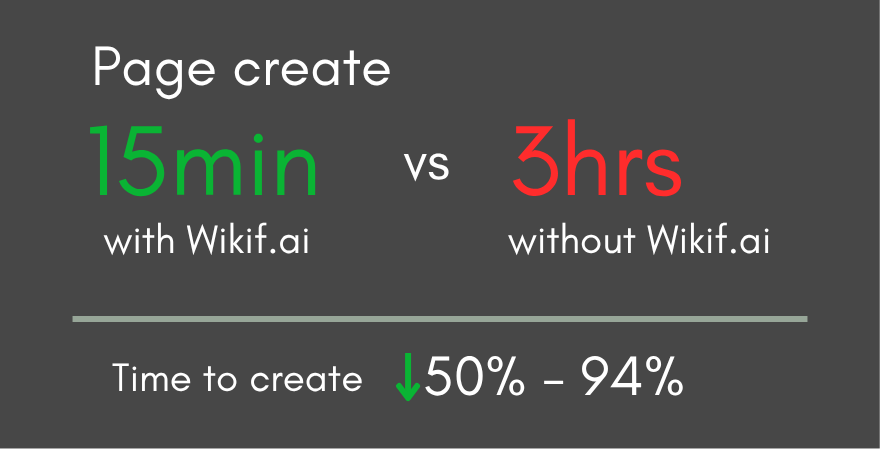
Wikif.ai turned hours of wiki work into minutes. As other organizations saw the time saved, more asked to onboard, extending the tool's impact well beyond its original team.
This was one of my favorite projects at AWS. I got in at the ground floor, which let me shape the overall design and strategy and watch the product grow and evolve. I also loved working in the AI space, creating a design that worked for people with and without AI experience. Projects like this remind me why I love UX: when design decisions are grounded in real user pain points, the impact speaks for itself.
Reflection
6,750 hours per year saved


Project Summary
The challenge: Teams at Amazon were spending up to 3 hours creating a single wiki page and 8 hours a week on maintenance.
My role: UX design lead covering research, usability testing, POC, and MLP design
The outcome: Page creation time dropped from an average of 3 hours to 15 minutes, saving teams 6,750 hours saved per year while also drawing onboarding interest from other Amazon organizations.
Basic and Advanced modes
Wiki syntax view and editing
Editable visual preview
Direct publishing
Section-level updates and a maintenance dashboard
What We Heard
How the MLP Addressed It
Users unfamiliar with gen AI struggled with prompts
Users wanted to add wiki syntax without rewriting content
Concerns about accuracy and review time
Copying and pasting code was frustrating
Updating pages took the most time
A Dashboard Built for Maintenance
A Familiar Layout For a New Kind of Tool
More Control For Power Users
Review Content As It Will Appear
Code View For Those Who Want It
Faster Updates, Section By Section
Publishing Directly to Wiki
The MLP also published directly to wiki pages, removing the copy-and-paste step testers found frustrating.
Building Momentum

Turn Ideas into Results
Whether you’re launching something new, improving an existing experience, or trying to turn more visitors into customers, I help design solutions that drive clarity, trust, and results.
Let’s connect.