
Wikif.ai: Designing an AI-Powered Platform for Internal Teams
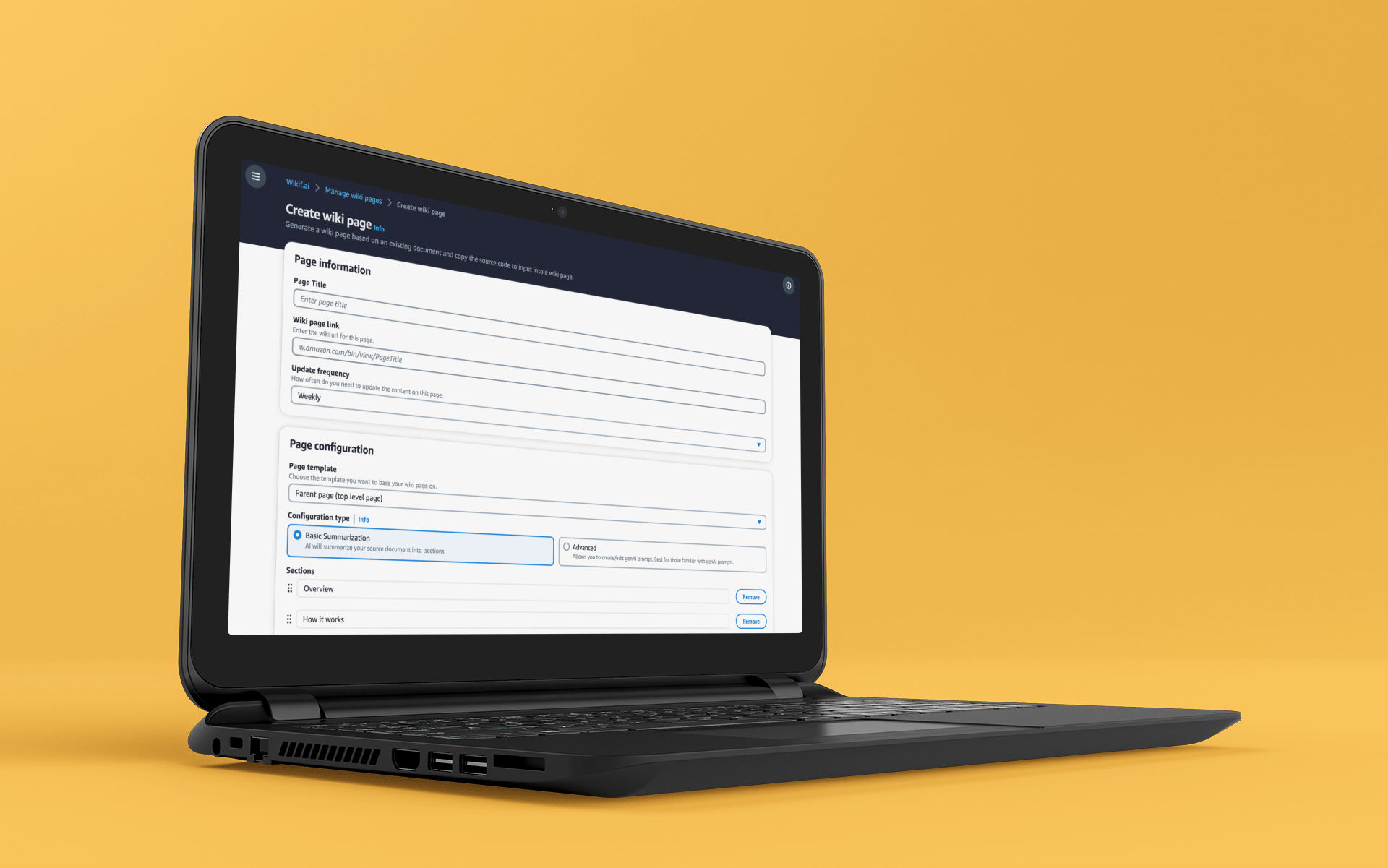
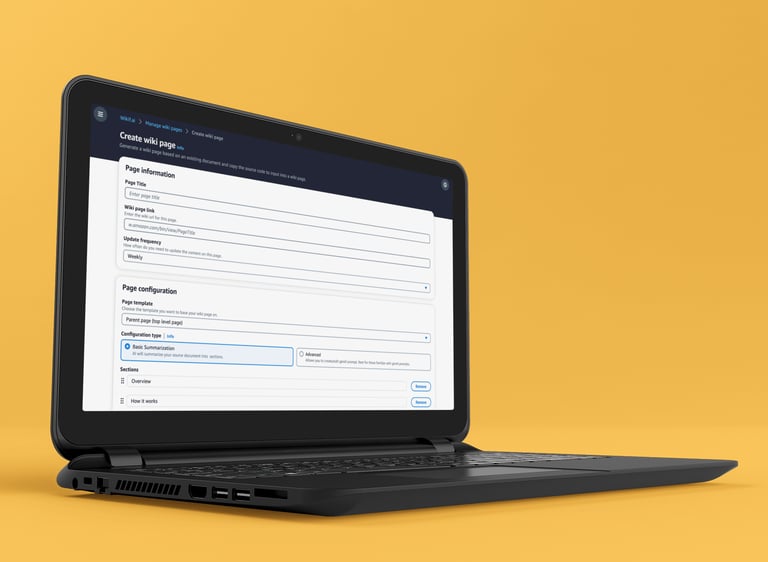
Amazon teams relied on hundreds of internal wiki pages for project communication, but creating and maintaining them was eating hours of time each week. I partnered with a tech writer to design Wikif.ai an AI-powered tool that transformed wiki management from a chore into a workflow.
Highlight: The tool gained traction beyond its original team, with multiple Amazon organizations asking to onboard to Wikif.ai.
Business Goal
Create a tool that simplified wiki management so teams could focus on project work.
UI/UX • GenAI
Proof of Concept (POC)
I worked with a tech writer who was leading this project and we started by asking and documenting the problems people ran into when they were creating or updating a wiki page.
Design Goal
Design an intuitive end-to-end workflow covering page creation, editing, and ongoing maintenance
Make AI-assisted content creation accessible regardless of a user's technical background
Pain Points Summary
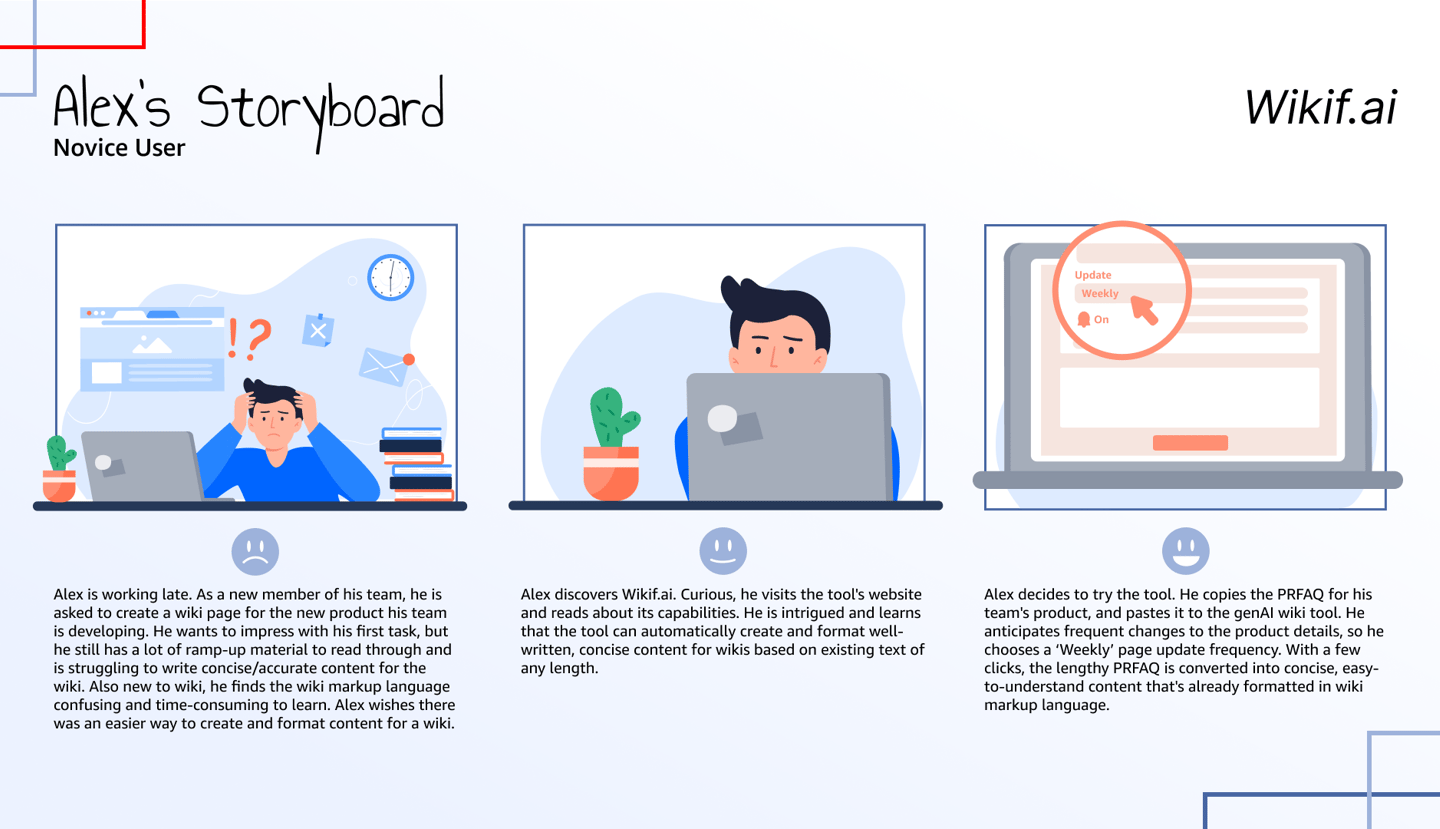
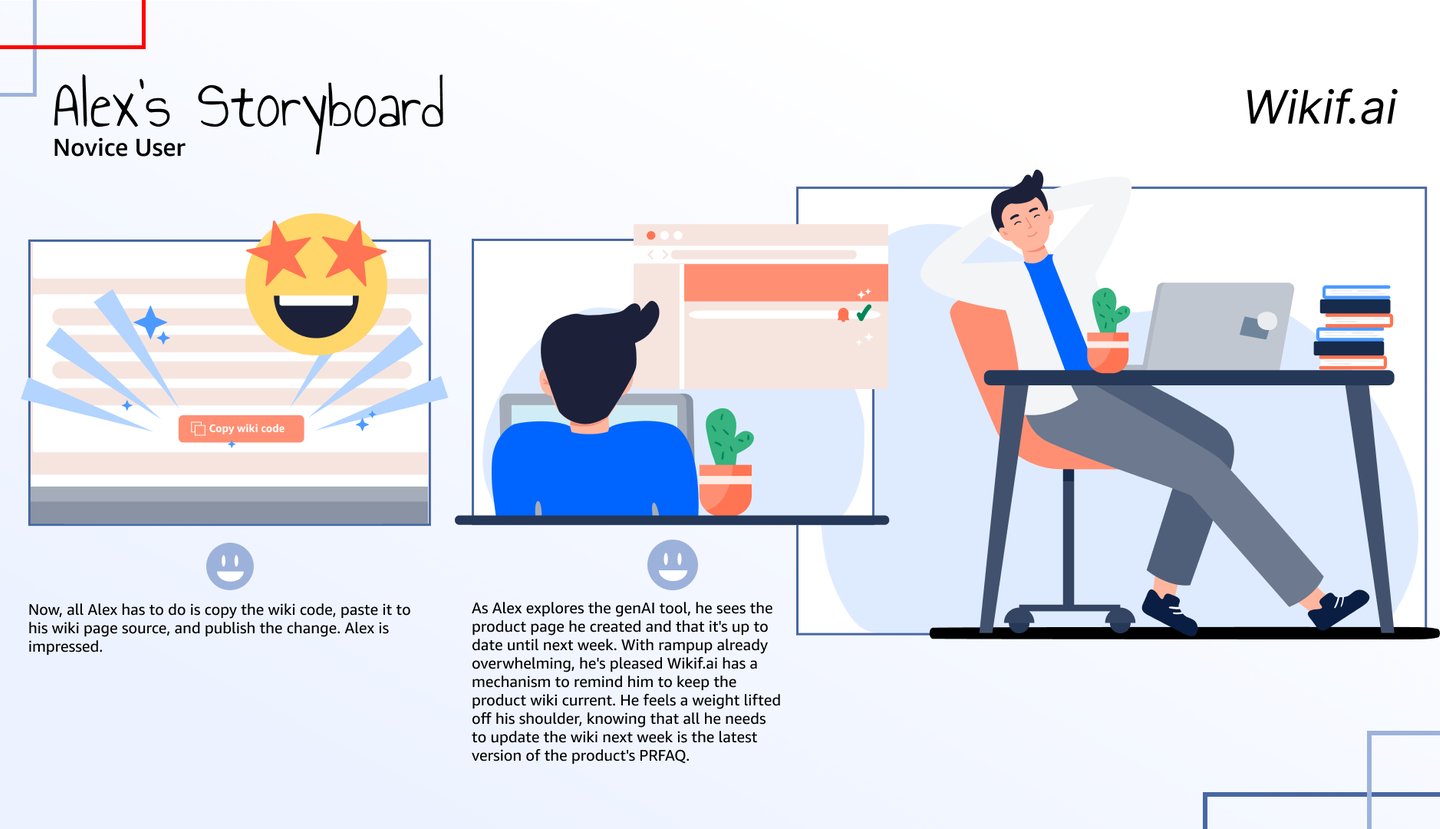
As part of communications with teams and generating interest for wikif.ai, I put together a storyboard showing how Wikif.ai could potentially help free up time.
Lengthy documents had to be re-written and consolidated for web consumption
Wiki Syntax was difficult to use
Custom components needed to be manually coded
Time spent on new page creation: Up to 4 hours per page
Time spent maintaining and updating existing pages: Up to 8 hours per week
Potential Solutions
Create templates that could be easily replicated for new pages eliminating the need for custom components or learning wiki syntax
Use genAI to re-write long documents for web use
Open question: How can we use genAI to help with updates and page maintenance? This became the central design challenge of the MLP phase.
The POC was scoped for to a single page create to validate the core AI interaction with real users and confirm the concept was worth pursuing.
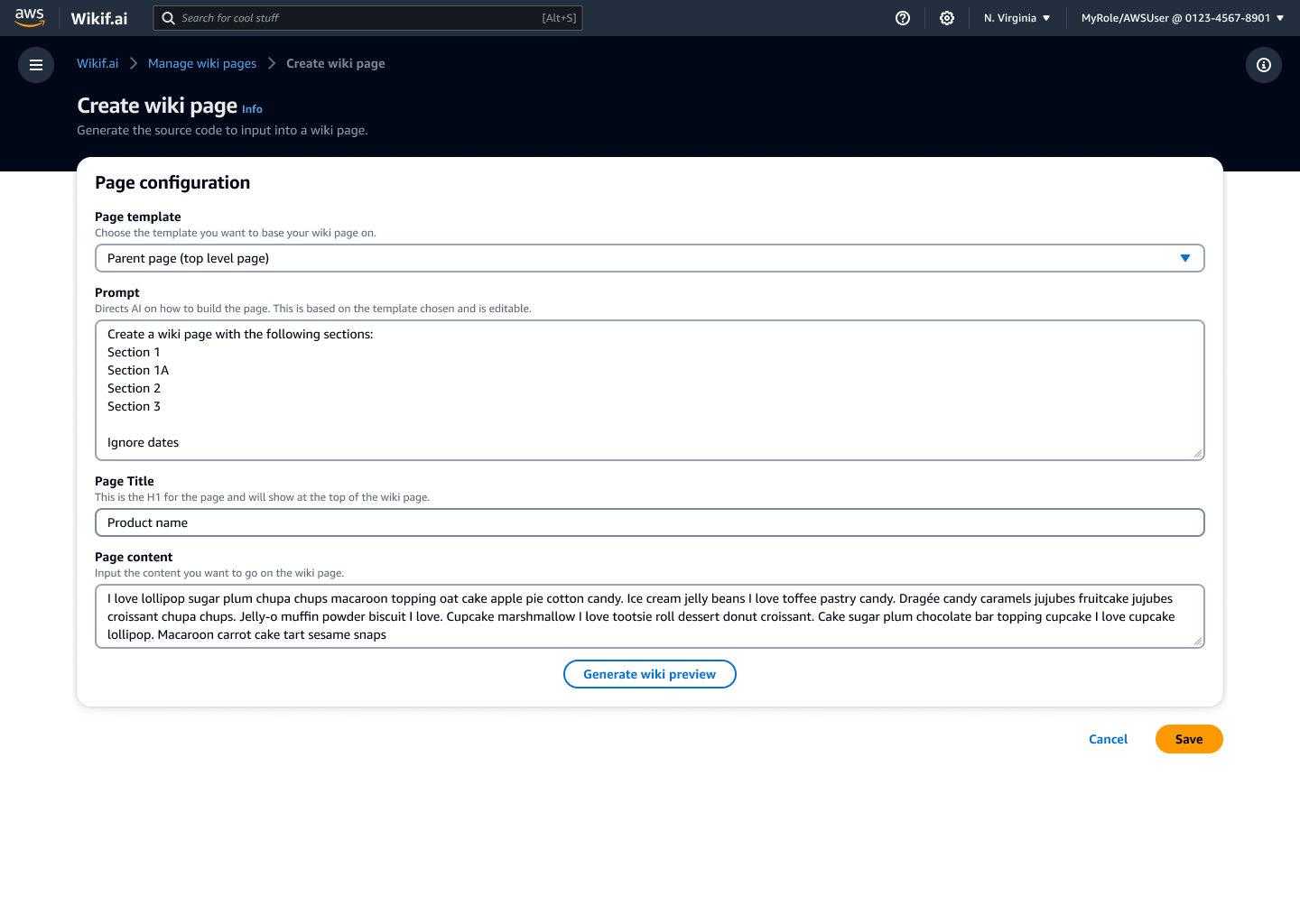
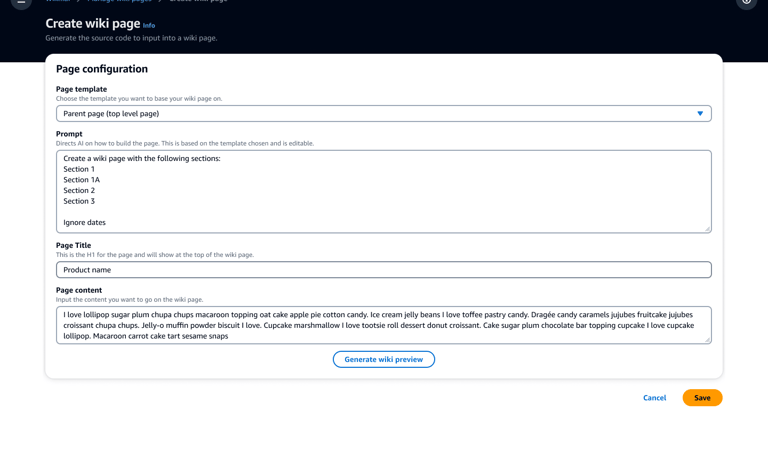
This version helps people create new wiki pages using genAI to generate content through selectable templates or by prompt customization.
Usability Testing
To validate and improve our POC, I collaborated with research to create a test plan for usability testing and facilitated some of the sessions.
Participants were given a questionnaire to fill out prior to the sessions
Participants were asked to bring a document they wanted to turn into a wiki page
Participants were asked to walk through how they might use Wikif.ai when creating wiki pages
Sessions were 60 minutes
Insights
Overall impression was positive. Participants were excited about using a tool to help manage this aspect of their work. And it revealed a core tension – users wanted AI to do the heavy lifting, but didn't fully trust it yet. This insight drove the Basic/Advanced mode split in the MLP version.
Participants lacked experience with genAI and struggled with the prompt section thinking they had to change it or fill it out
Some participants asked about adding wiki syntax to an existing document without having the system re-write it
Concerns were brought up about accuracy and trusting the content that was generated. They did not want to spend a lot of time reviewing/editing the generated content. If it took too long, they preferred to just re-write it themselves.
Limitation: Participants didn't like that you had to copy the code from Wikif.ai and paste it into their wiki page
Limitation: This version works great for creating pages, but a lot of the issues was time spent updating pages
Iteration: Creating a Minimum Lovable Product (MLP)
As the project gained visibility across the organization, the design was green lit to go from a POC to a full MLP.
Flesh out the end-to-end experience: Create, update, maintain
Address some of the issues brought up in testing and feedback from people using the POC
Account for experience and comfort with using genAI
Give more permission and settings controls
Incorporate a page update strategy
UI concept: Create a content management system-style 2-column design centered around an editable preview blending traditional CMS elements with new gen-AI prompting.
Strategy for MLP version
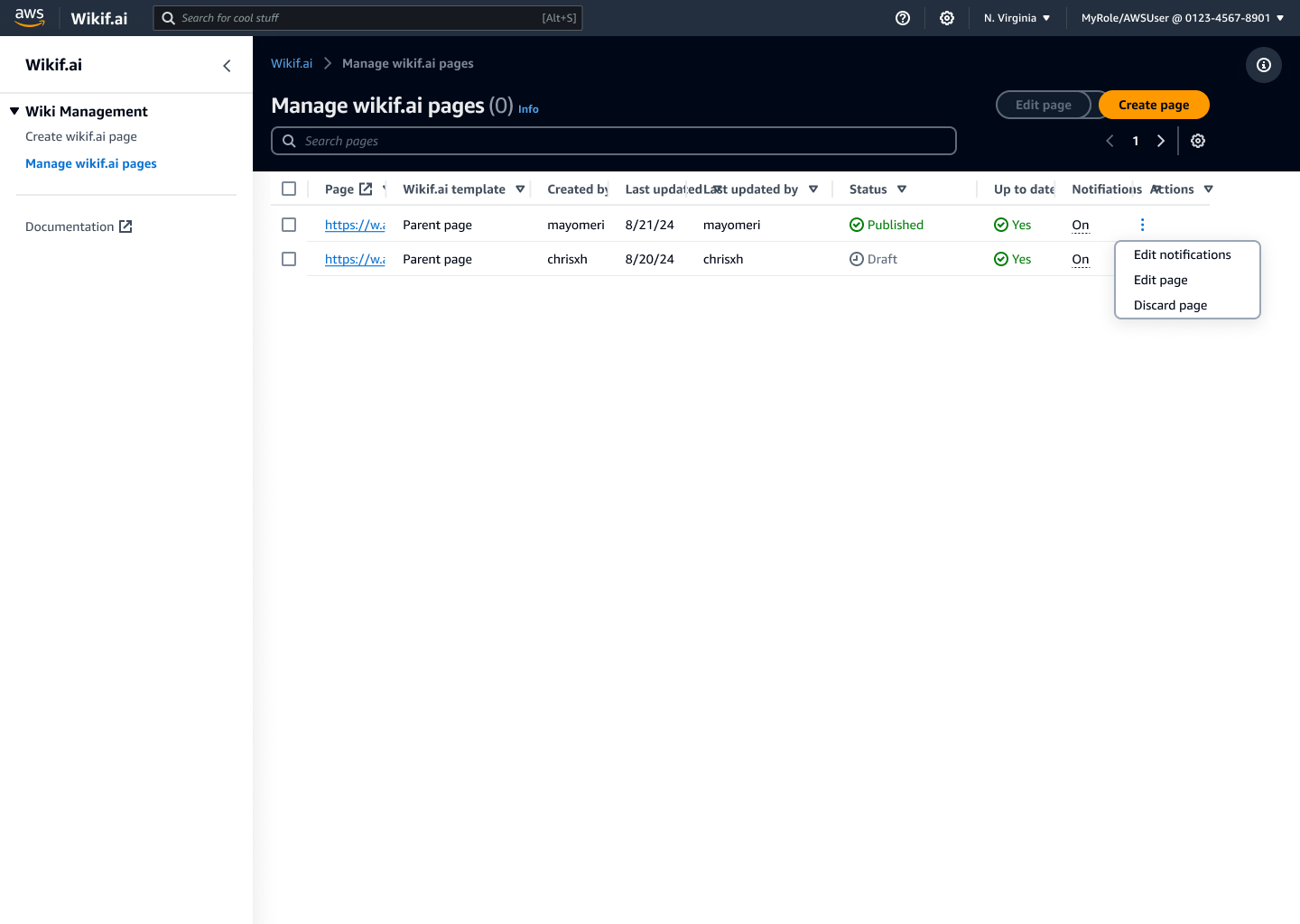
The dashboard serves as the main page of the product, built to show the most important information needed to maintain the page: status, last updated, content freshness, and update alerts.
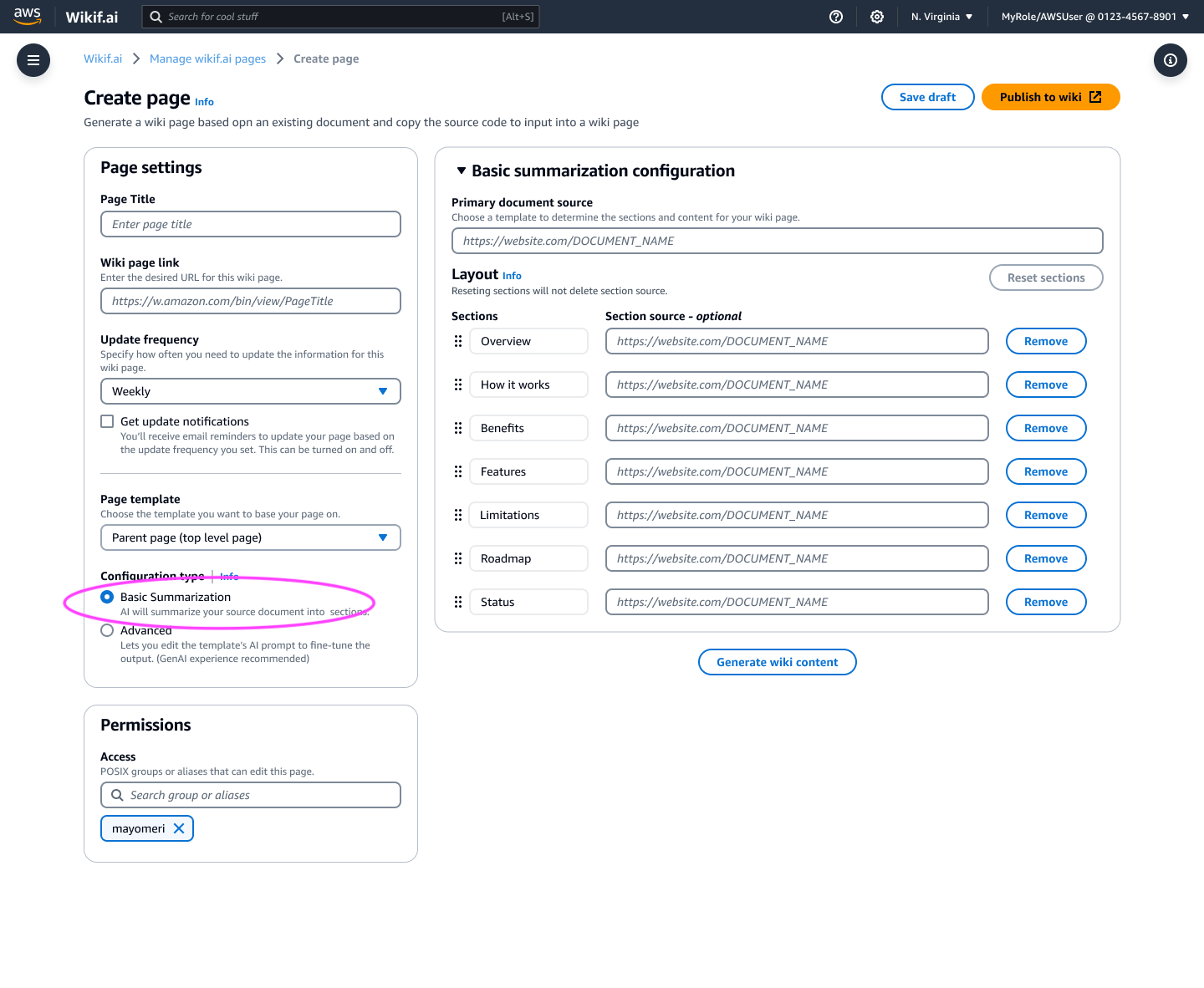
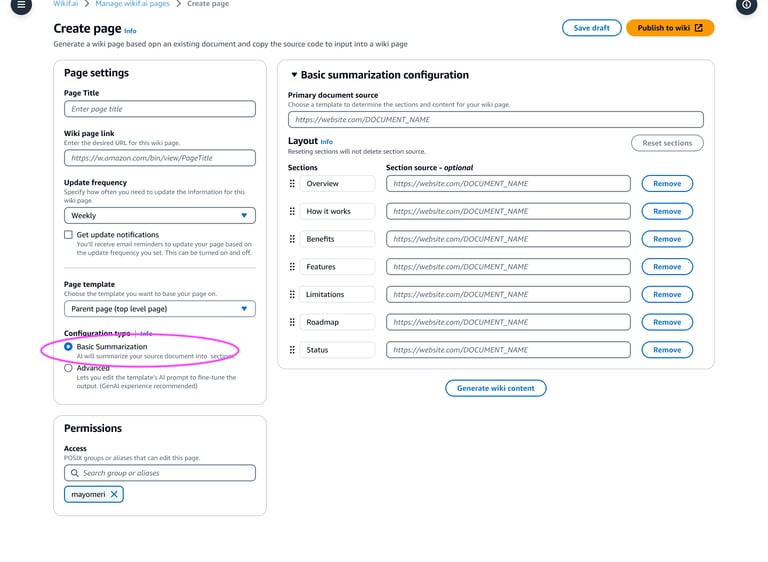
The updated create page mimicked content management systems blending familiar UI with AI capability. It allowed the customer to choose between a basic layout or advanced. Basic for customers new to AI, Advanced for power users — reducing the learning curve without limiting capability.
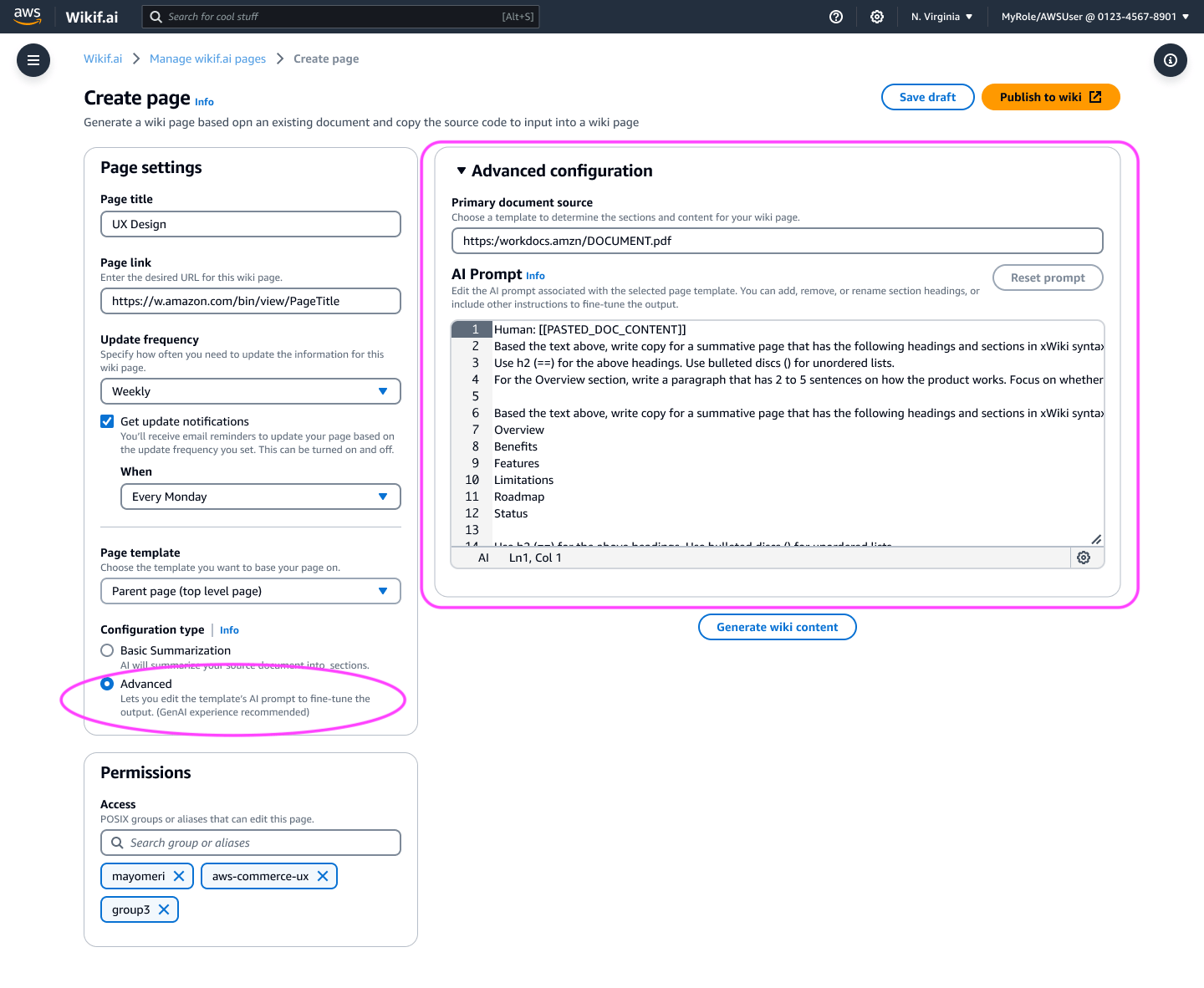
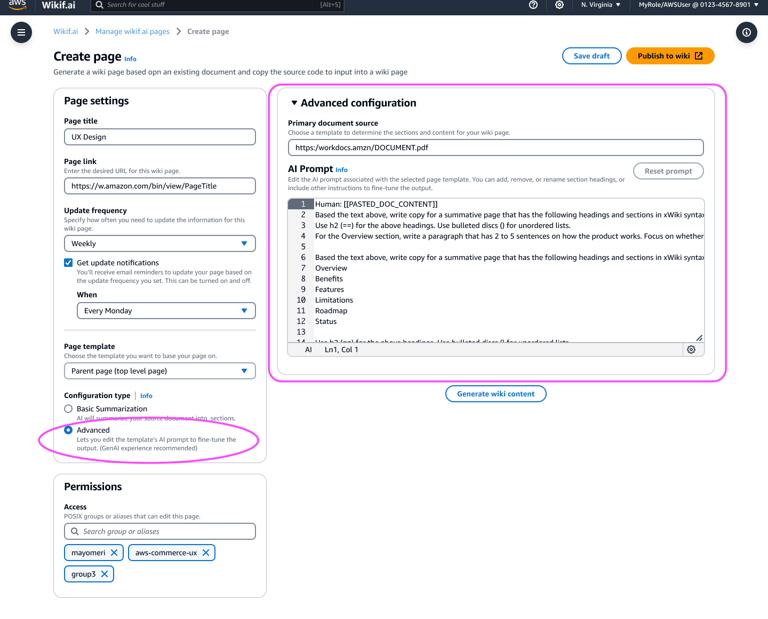
People with AI knowledge could use the 'Advanced' configuration to customize the prompt providing more control over the page.
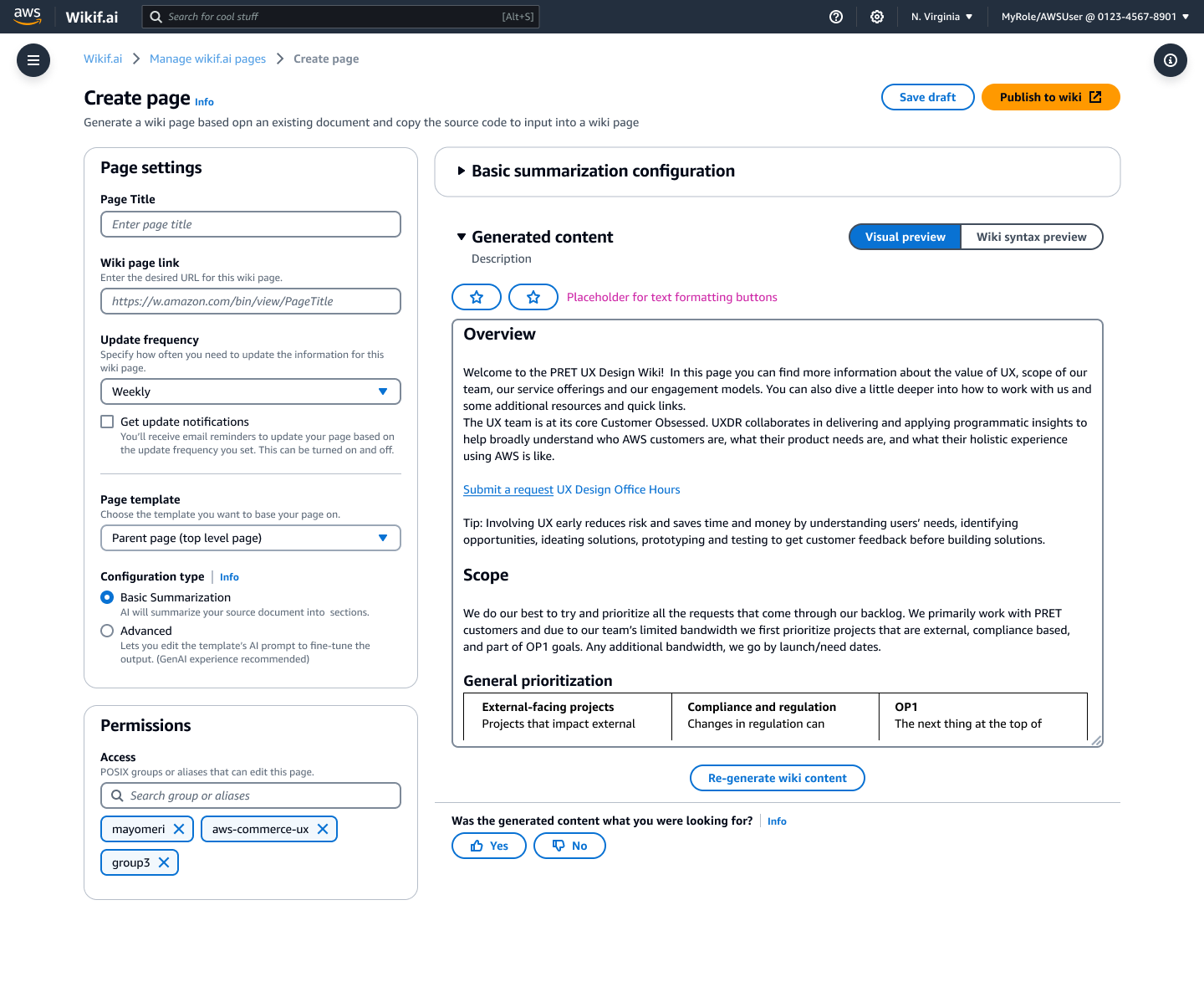
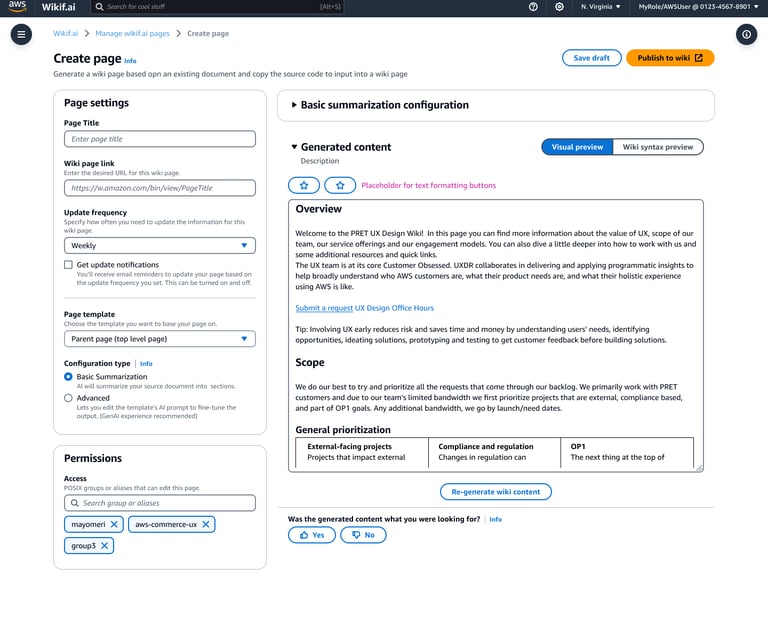
The visual preview of the generated content is editable and displays as it would appear on the wiki page allowing customers to focus on the content and it's styling on page without the noise of wiki syntax on the screen.
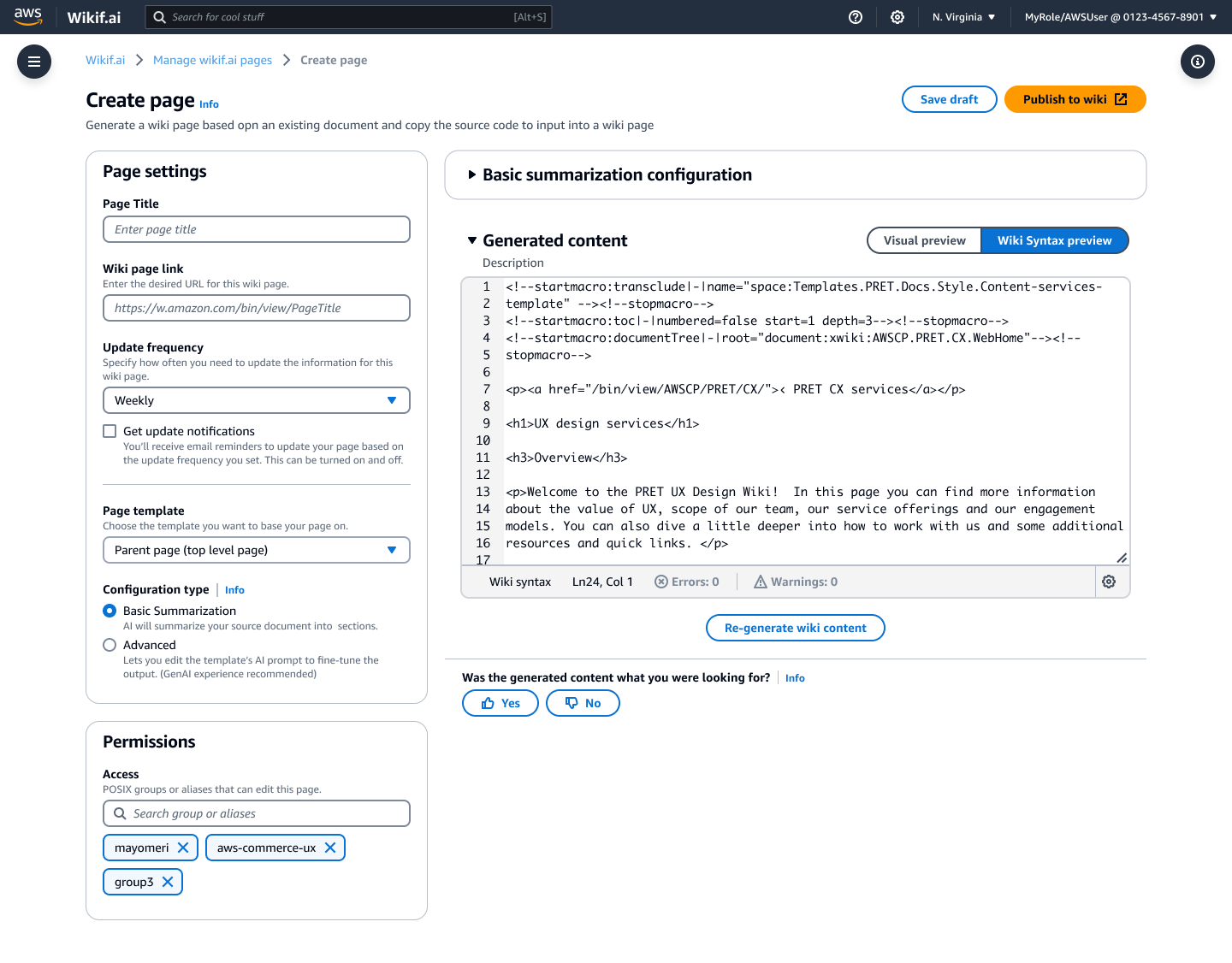
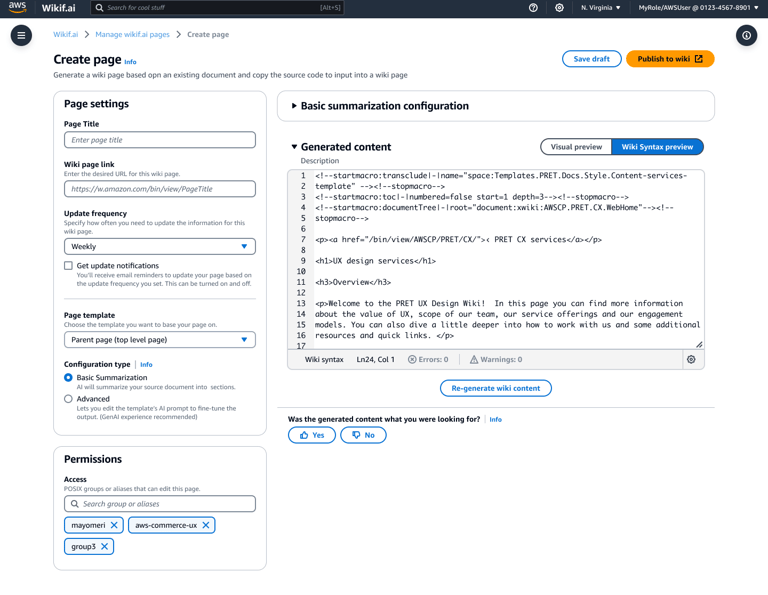
A Wiki syntax preview allows customers concerned with the implementation to see and edit the code behind the page as well as the content, providing more control and flexibility for power users.
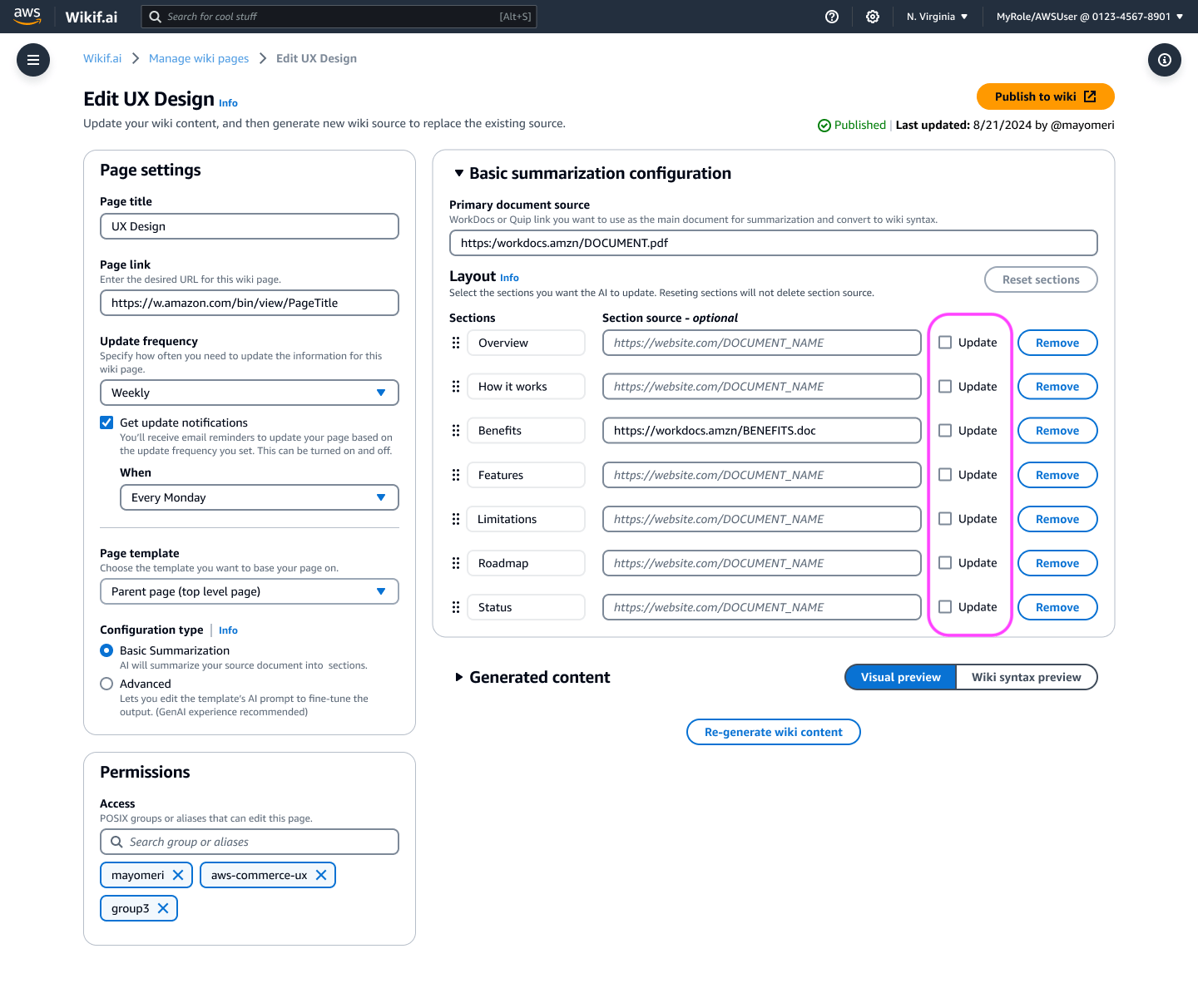
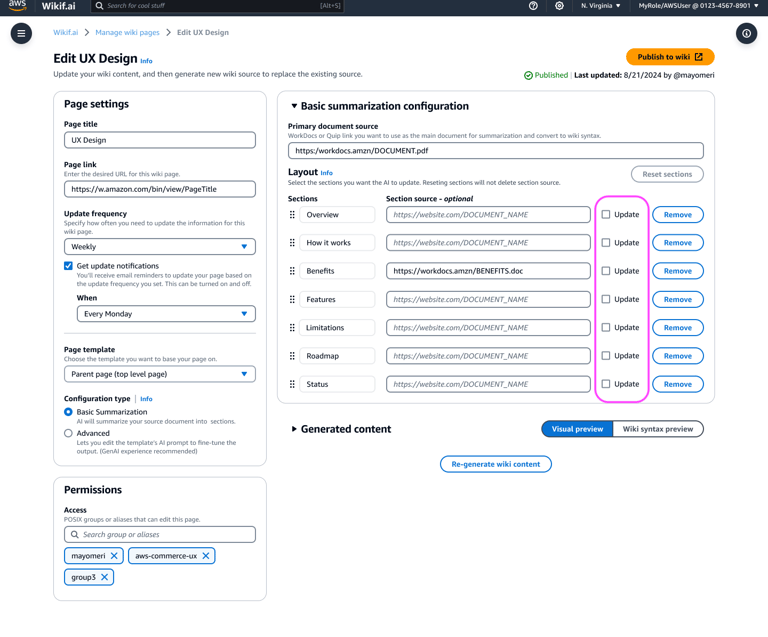
One of the biggest pain points for customers was updating existing page content because it was time consuming and tedious. The update experience on Wikif.ai allows you to quickly select specific sections within the page to update so that new content can be generated for those sections.
Bonus: MLP allowed for direct publishing to wiki pages.
Results and Impact
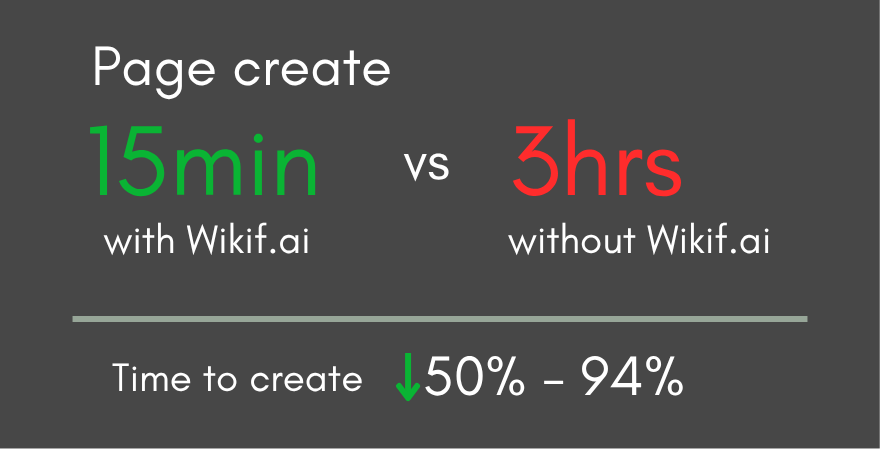
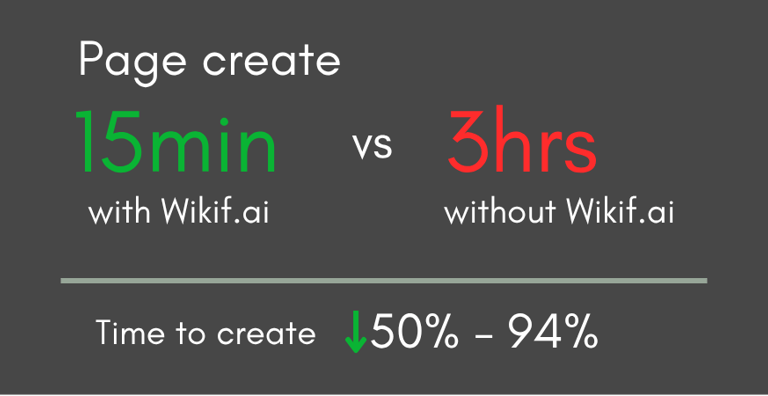
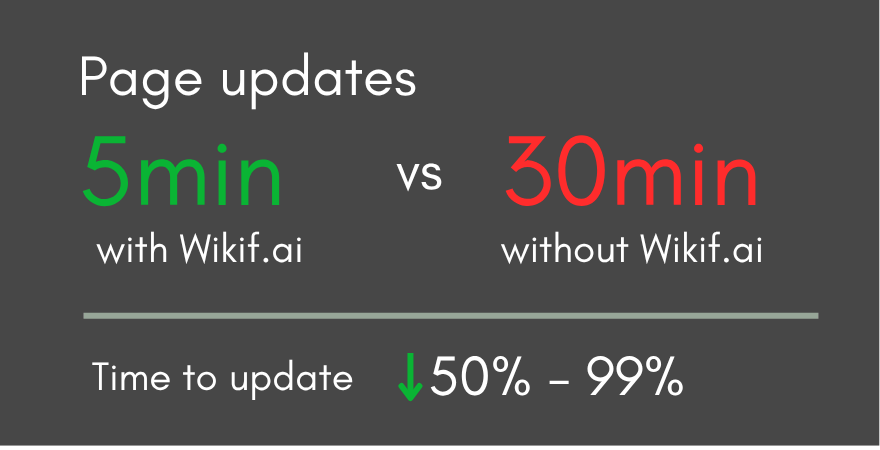
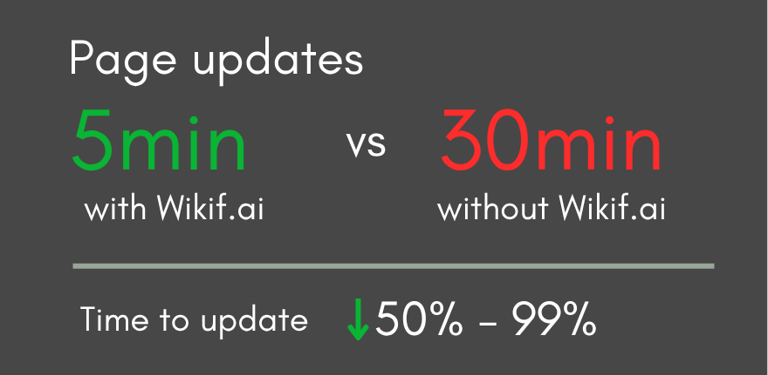
Wikif.ai significantly reduced the amount of work and time required to create and update pages. Page creation went from 3 hours to 15 minutes and page updates went from 30 minutes to 5 minutes with other organizations seeing the impact of time saved, more wanted to start onboarding to Wikif.ai.
This was one of my favorite projects I worked on at AWS. I got in at the ground floor of the project allowing me to be part of and see its growth and evolution. I was able to shape the overall design and strategy of how the experience worked. I also loved that I got to work a bit in the AI space, creating a design that worked for both people with past AI experience and those without. Projects like this remind me why I love UX — when design decisions are grounded in real user pain points, the impact speaks for itself.
Reflection
6,750 hours per year saved


Project Summary
The challenge: Teams at Amazon were spending up to 4 hours creating a single wiki page and 8 hours a week on maintenance.
My role: UX design lead — research, usability testing, POC, and MLP design
The outcome: Page creation time dropped from 3 hours to 15 minutes. 6,750 hours saved per year across teams.

Turn Ideas into Results
Whether you’re launching something new, improving an existing experience, or trying to turn more visitors into customers, I help design solutions that drive clarity, trust, and results.
Let’s connect.
Contact
Want to learn more? Let's connect.
hello@merielkaren.com
© 2026. All rights reserved.
Get in touch